142 Additional Information
System Setup 1
1
Option not available when the camcorder is connected to an HDTV using an HDMI
cable.
2
The output will automatically be set to [ 576i] when [TV Type] is set to [
Normal TV].
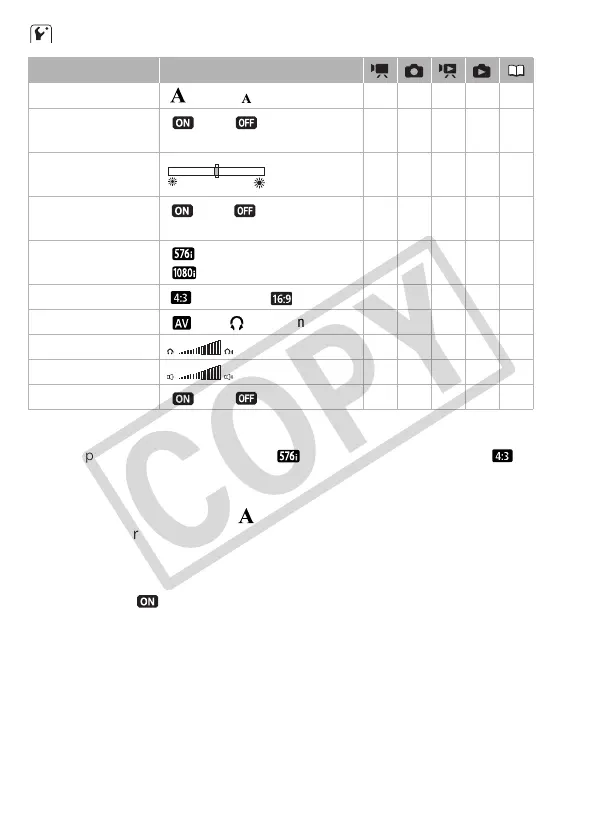
[Font Size]: Changes the size of the font for the menu and other screens.
• When the font size is set to [ Large], some information may be dis-
played in shortened form (icons only, etc.). Some screens will be dis-
played using the small font size regardless of the setting.
[Output Onscreen Displays]
• When set to [ On], the camcorder’s on-screen displays will appear
also on the screen of a TV or monitor connected to the camcorder.
[LCD Brightness]: Adjusts the brightness of the LCD screen.
• Changing the brightness of the LCD screen does not affect the bright-
ness of your recordings or the brightness of the playback image on a
TV.
Menu item Setting options
[Font Size] [ Large], [ Small] zzzz –
[Output Onscreen
Displays]
[ On], [ Off] zz –––
[LCD Brightness] zzzz –
[LCD Screen
Dimmer]
[ On], [ Off] zzzz –
[Component
Output]
1, 2
[ 576i],
[ 1080i]
zzzz –
[TV Type]
1
[ Normal TV], [ Wide TV] ––z ––
[AV/Headphones] [ AV], [ Headphones] zzzz78
[Headphone Volume] zzzz79
[Speaker Volume] – – zz –
[Demo Mode] [ On], [ Off] zz –––











 To Next Page