136
3 Auto Playback (Slide Show)
3
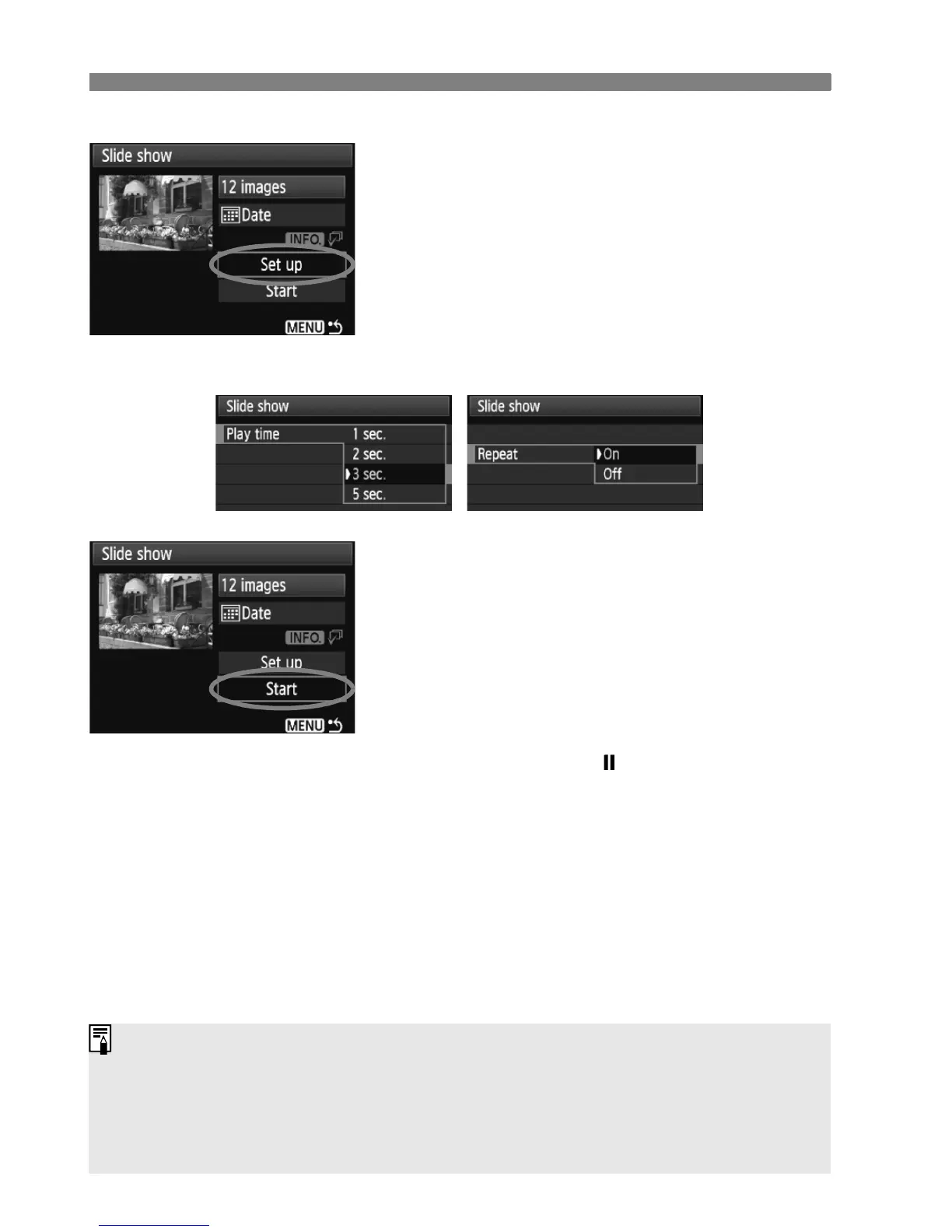
Set the playback time and repeat
option.
Turn the <5> dial to select [Set up],
then press <0>.
For still photos, set the [Play time]
and [Repeat] options, then press the
<M> button.
4
Start the slide show.
Turn the <5> dial to select [Start],
then press <0>.
X After [Loading image...] is displayed
for a few seconds, the slide show will
start.
To pause the slide show, press <0>.
During pause, [ ] will be displayed
on the upper left of the image. Press
<0> again to resume the slide
show.
5
Quit the slide show.
To quit the slide show and return to
the setting screen, press the
<M> button.
[Play time][Repeat]
During pause, you can turn the <5> or <6> dial to view another
image.
During the slide show, auto power off will not work.
The display time may vary depending on the image.
To view the slide show on a TV set, see page 139-140.















 To Next Page