57
3 Setting the Image-recording Quality
Set the ISO speed (image sensor’s sensitivity to light) to suit the
ambient light level. In the fully-automatic modes (1/C), the ISO
speed is set automatically (p.58).
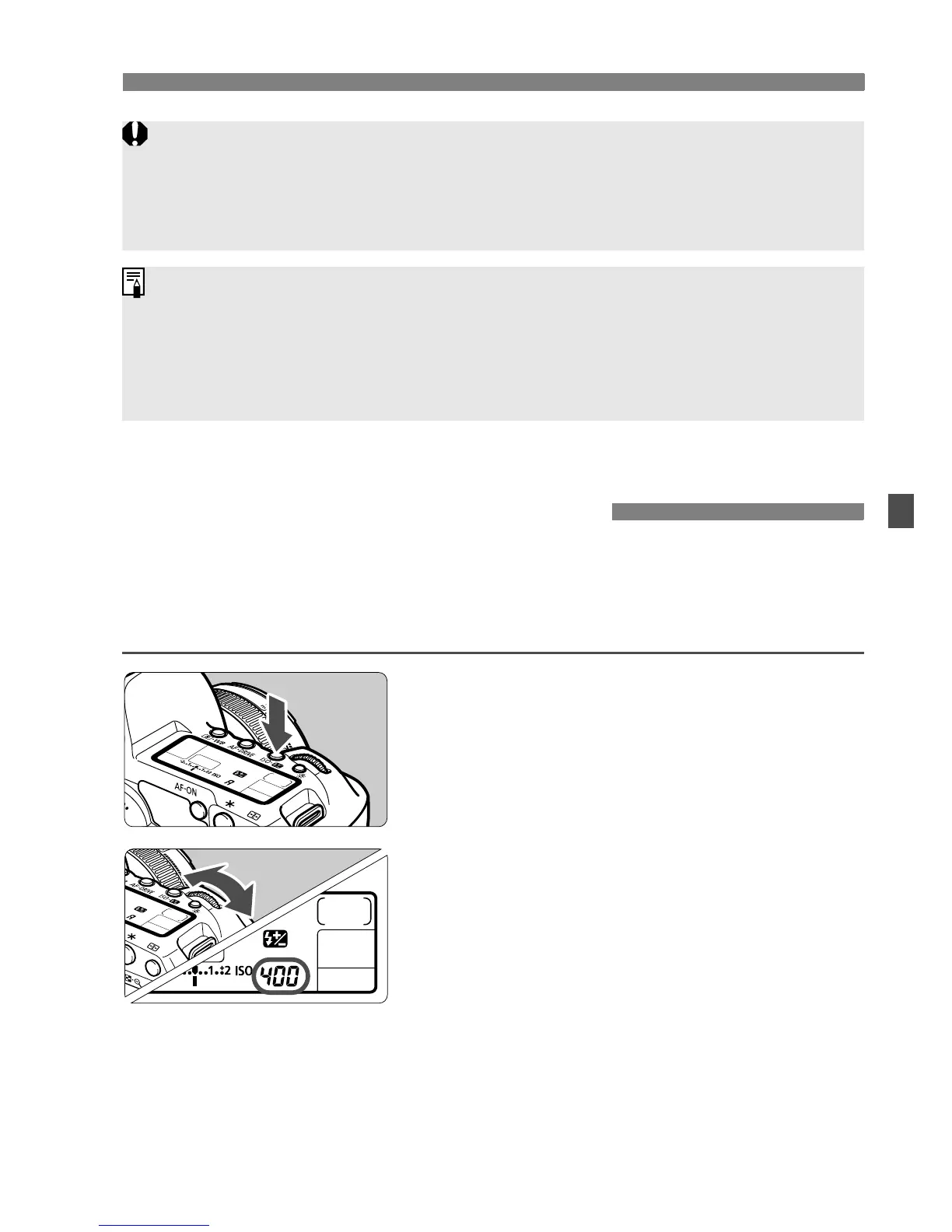
1
Press the <m> button. (9)
2
Set the ISO speed.
While looking at the LCD panel or
viewfinder, turn the <6> dial.
It can be set within ISO 100-6400 in
1/3-stop increments.
With “A” selected, the ISO speed will
be set automatically (p.58).
The maximum burst is displayed even when a card is not in the camera.
Make sure that a card is loaded before taking a picture.
If [8C.Fn II -2: High ISO speed noise reduction] is set to [2: Strong],
the maximum burst will be greatly reduced (p.176).
If the viewfinder displays “99” for the maximum burst, it means the maximum
burst is 99 or higher. If 98 or lower is displayed, the maximum burst is 98 or
lower. If you stop the continuous shooting, the maximum burst will increase.
After all the captured images are written to the card, the maximum burst will
be as listed on page 55.
i: Setting the ISO SpeedN















 To Next Page