159
wPrinting
5
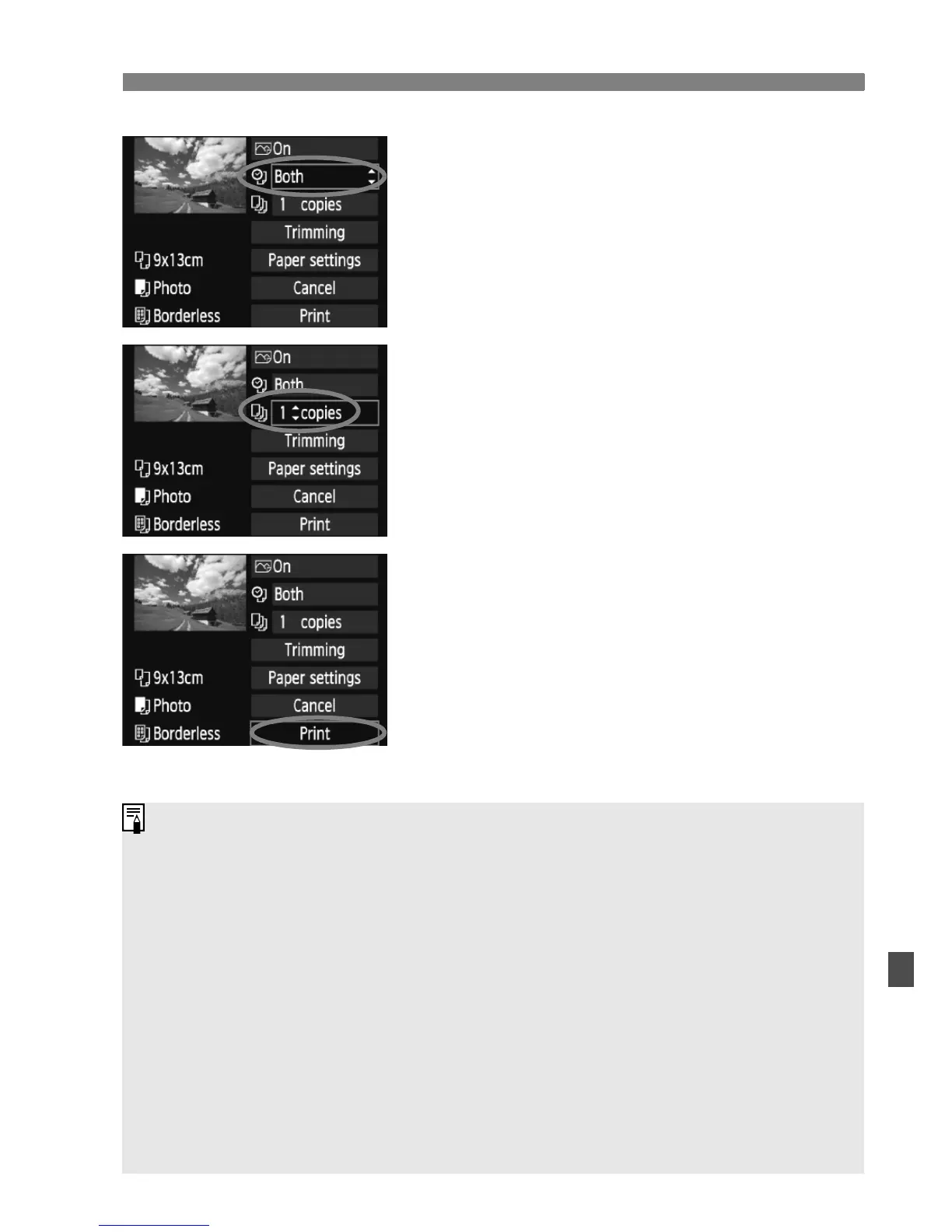
Set the date and file number
imprinting.
Set as necessary.
Select <
I>, then press <0>.
Set as desired, then press <0>.
6
Set the number of copies.
Set as necessary.
Select <
R>, then press <0>.
Set the number of copies, then press
<0>.
7
Start printing.
Select [Print], then press <0>.
X The <l> button’s blue lamp will
blink and the printing will start.
With Easy printing, you can print another image with the same settings.
Just select the image and press the <
l> button lit in blue. With Easy
printing, the number of copies will always be 1. (You cannot set the
number of copies.) Also, any trimming (p.161) will not be applied.
The [Default] setting for printing effects and other options are the
printer’s own default settings as set by the printer’s manufacturer. See
the printer’s instruction manual to find out what the [Default] settings are.
Depending on the image’s file size and image-recording quality, it may
take some time for the printing to start after you select [Print].
If image tilt correction (p.161) has been applied, it will take longer to print
the image.
To stop the printing, press <
0> while [Stop] is displayed, then select
[OK].















 To Next Page