200
1 Shooting 1 (Red) Page
2 Shooting 2 (Red)
3 Playback 1 (Blue)
Menu Settings
Quality
73 / 83 / 74 / 84 / 76 / 86
54
1 / D1 / D2
Beep
On / Off –
Shoot w/o card
On / Off 29
Review time
Off / 2 sec. / 4 sec. / 8 sec. / Hold 145
Peripheral illumination
correction
Enable / Disable 70
Exposure
compensation/AEB
1/3-stop increments, ±2 stops 97
White balance
Q / W / E / R / Y / U / I / O / P
(2500 - 10000)
65
Custom WB Manual setting of white balance 66
WB SHIFT/BKT
WB correction: White balance correction
WB-BKT: White balance bracketing
68
69
Color space sRGB / Adobe RGB 76
Picture Style
PStandard / QPortrait / RLandscape /
SNeutral / UFaithful / VMonochrome /
WUser Def. 1, 2, 3
59-64
Dust Delete Data Obtains data to be used to erase dust spots 149
Protect images
Erase-protect images 141
Rotate
Rotate vertical images 134
Erase images
Erase images 142
Print order
Specifies images to be printed (DPOF) 163
Transfer order
Select images to be transferred to a personal
computer
170
External media backup
Displayed when external media is used via
WFT-E4 (sold separately)
–
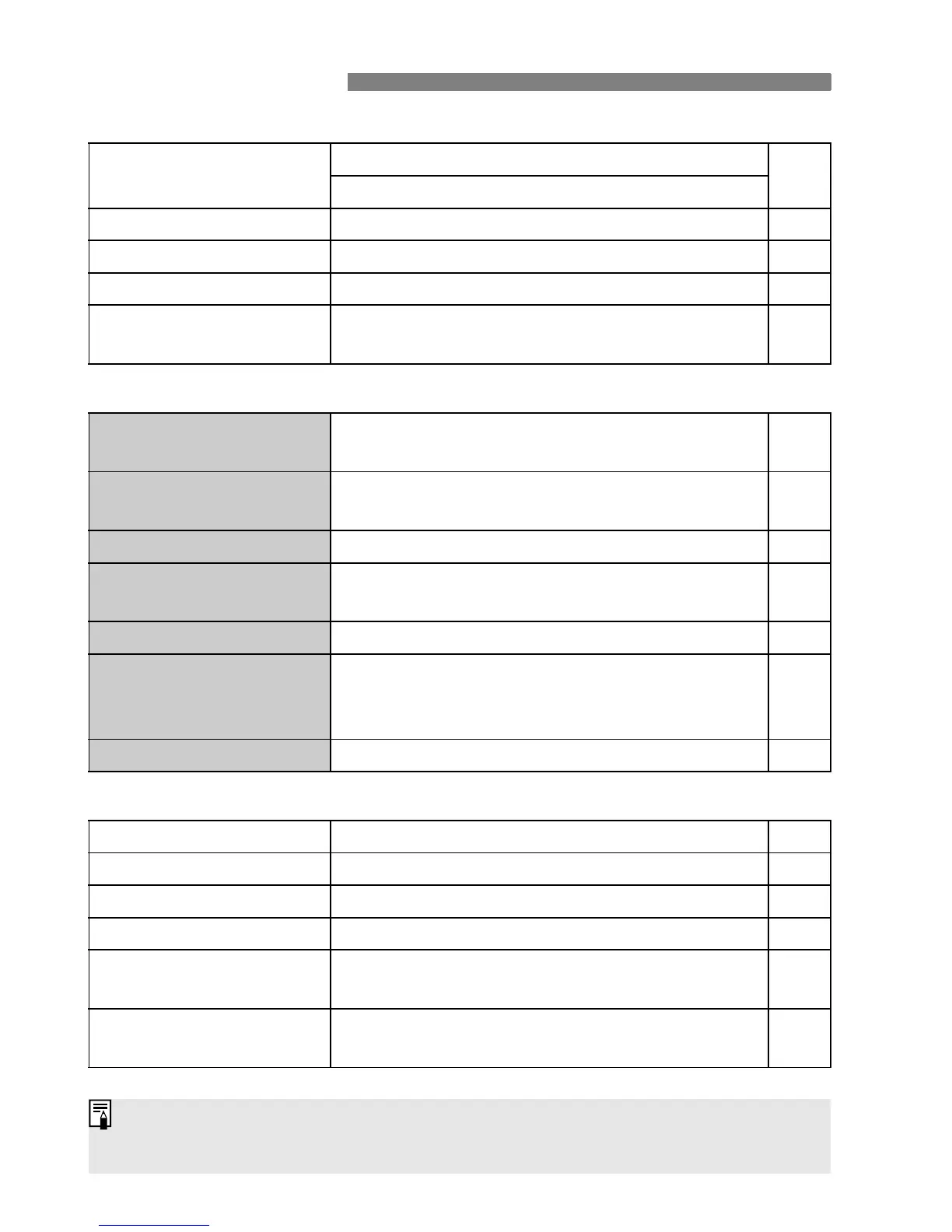
The shaded menu items are not displayed in the fully-automatic modes (1/
C).















 To Next Page