138
k Playing Movies
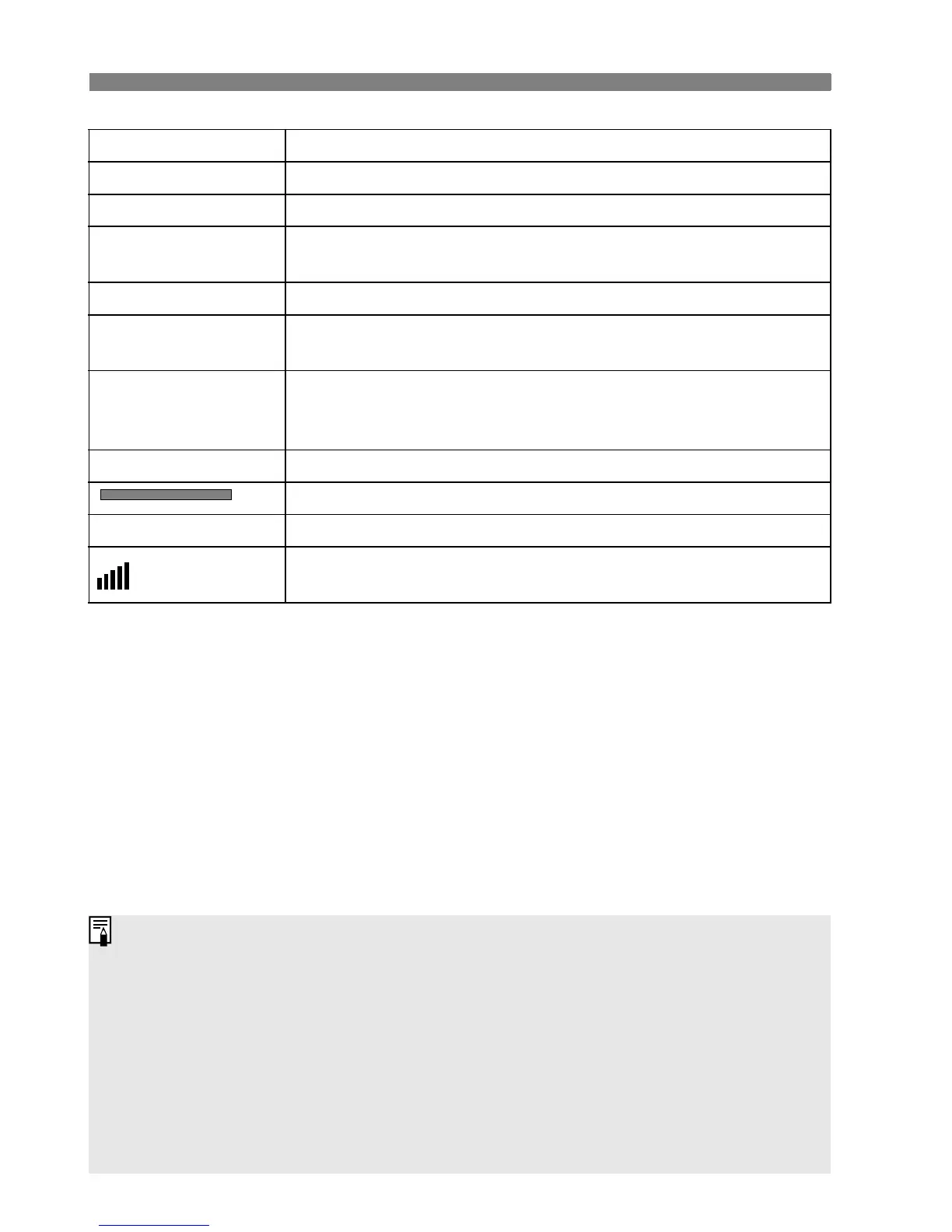
Item Playback Description
2 Exit Returns to the single-image display.
7 Play Pressing <0> toggles between play and stop.
8 Slow motion
Adjust the slow motion speed by turning the <5> dial. The
slow-motion speed is indicated on the upper right.
5 First frame Displays the movie’s first frame.
3 Previous frame
Each time you press <0>, a single previous frame is
displayed. If you hold down <0>, it will rewind the movie.
6 Next frame
Each time you press <0>, the movie will play frame-by-
frame. If you hold down <0>, it will fast forward the
movie.
4 Last frame Displays the movie’s last frame.
Playback position
mm’ SS” Playback time
Volume
Turn the <6> dial to adjust the volume of the camera’s
built-in speaker (p.17).
Press the <B> button to switch the information display.
If you took a still photo when you shot the movie, the still photo will be
displayed for about 1 sec. during the movie playback.
If you connect the camera to a TV set (p.139-140) to playback a movie,
adjust the sound volume with the TV set. (Turning the <6> dial will not
adjust the sound volume.)
Movies cannot be edited with the camera. With ZoomBrowser EX/
ImageBrowser (provided software), you can edit out the unnecessary
beginning or ending parts of the movie.















 To Next Page