169
d Transferring Images to a Personal Computer
Options other than [All images] are explained below. To start the image
transfer, press the <l> button.
New images
Images which have not yet been transferred to the personal
computer will be selected by the camera automatically and
transferred.
Transfer order images
You select the images and they are transferred to the personal
computer in a batch. To select the images, see page 170.
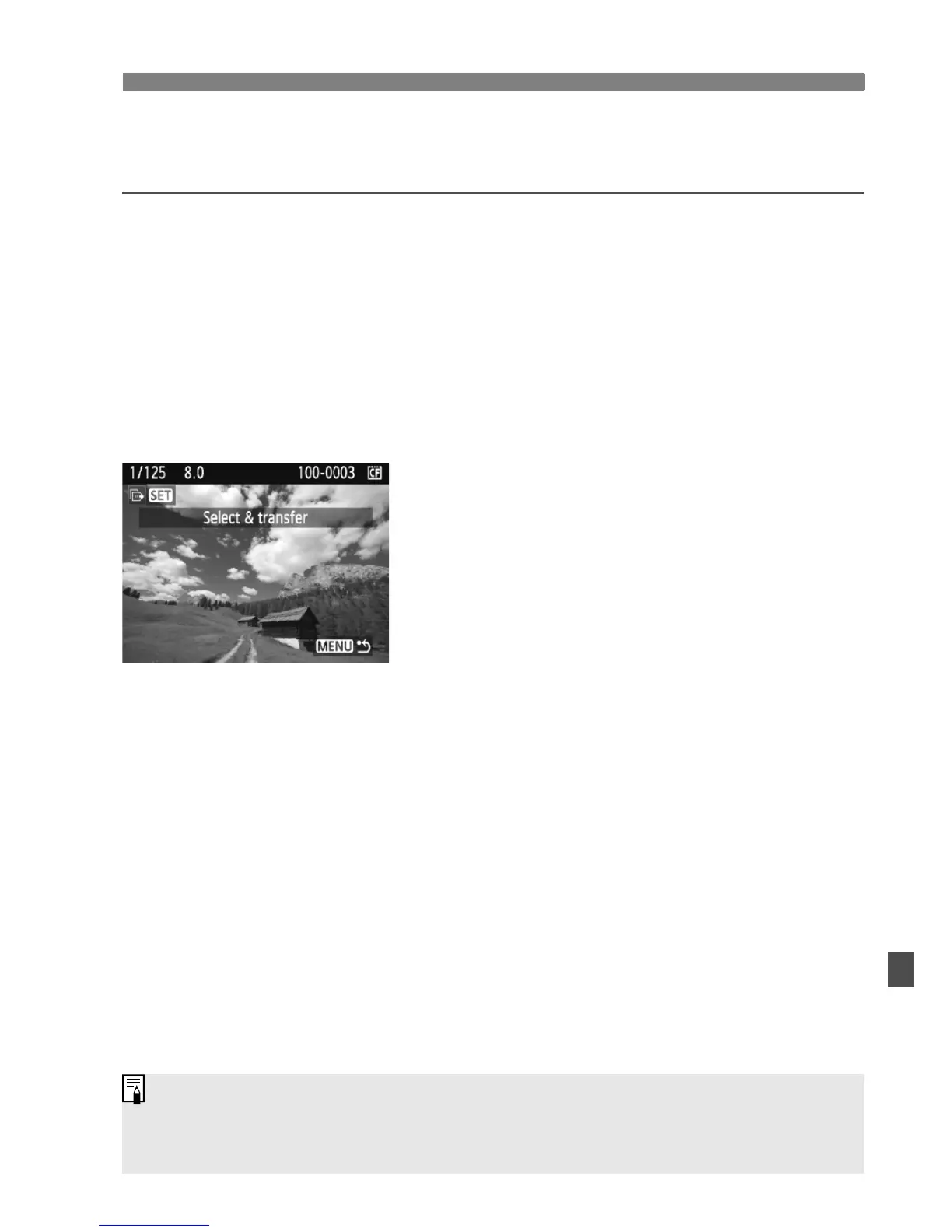
Select & transfer
You select the images individually to be
transferred. To exit, press the <M>
button.
Wallpaper
The image you select and transfer will appear as the personal
computer’s wallpaper. To exit, press the <M> button.
If you press <0> instead of the <l> button, a confirmation dialog
will appear. Select [OK], then press <
0> to start the transfer.
RAW images and movies cannot be transferred as wallpaper.















 To Next Page