20
Nomenclature
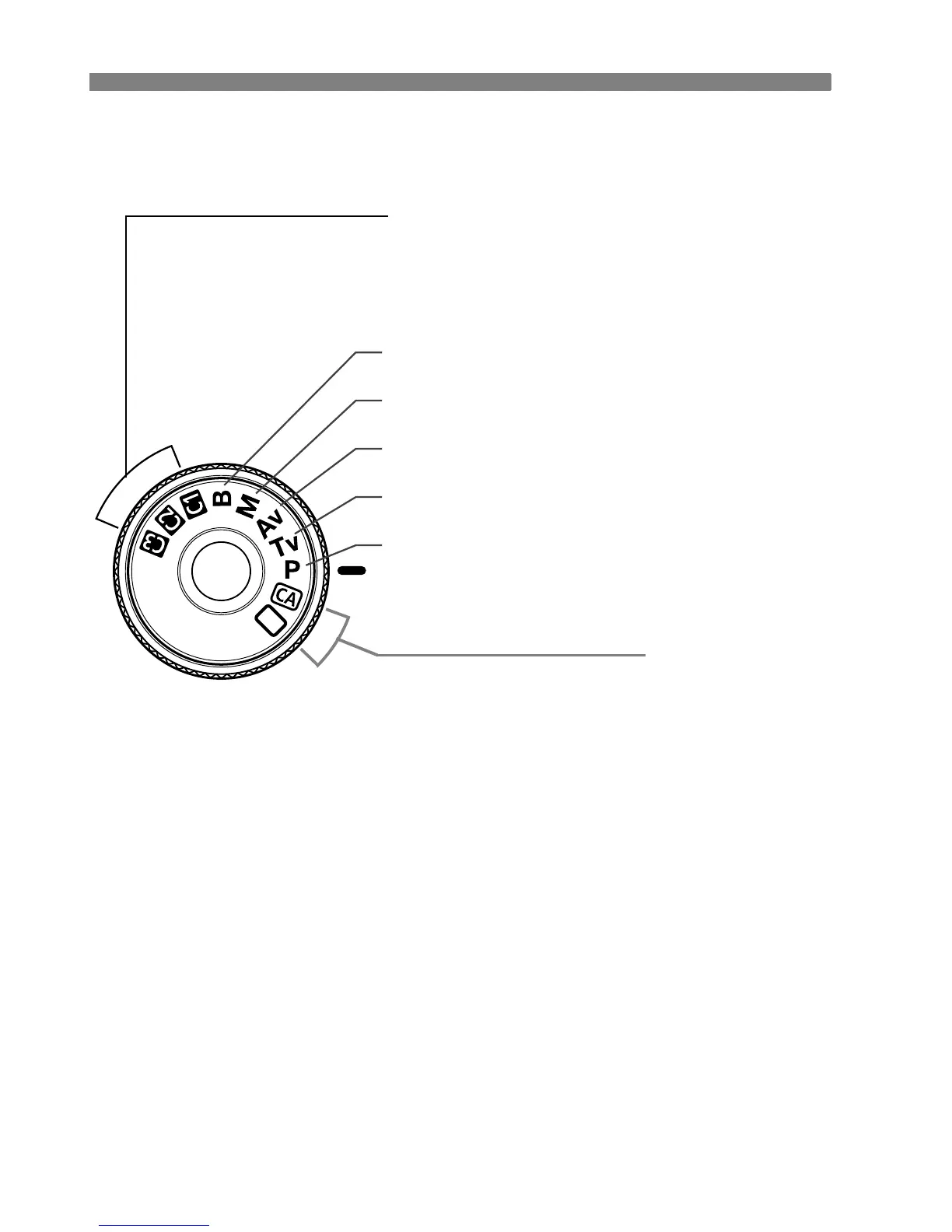
Mode Dial
Fully-Automatic Modes
All you do is press the shutter button.
Fully-automatic shooting suitable for the
subject.
1: Full Auto (p.48)
C: Creative Auto (p.51)
F : Bulb (p.99)
a : Manual exposure (p.94)
f: Aperture-priority AE (p.92)
s : Shutter-priority AE (p.90)
d : Program AE (p.88)
Camera User Settings
Most camera settings can be registered under w,
x, or y (p.187).















 To Next Page