36
Basic Operation
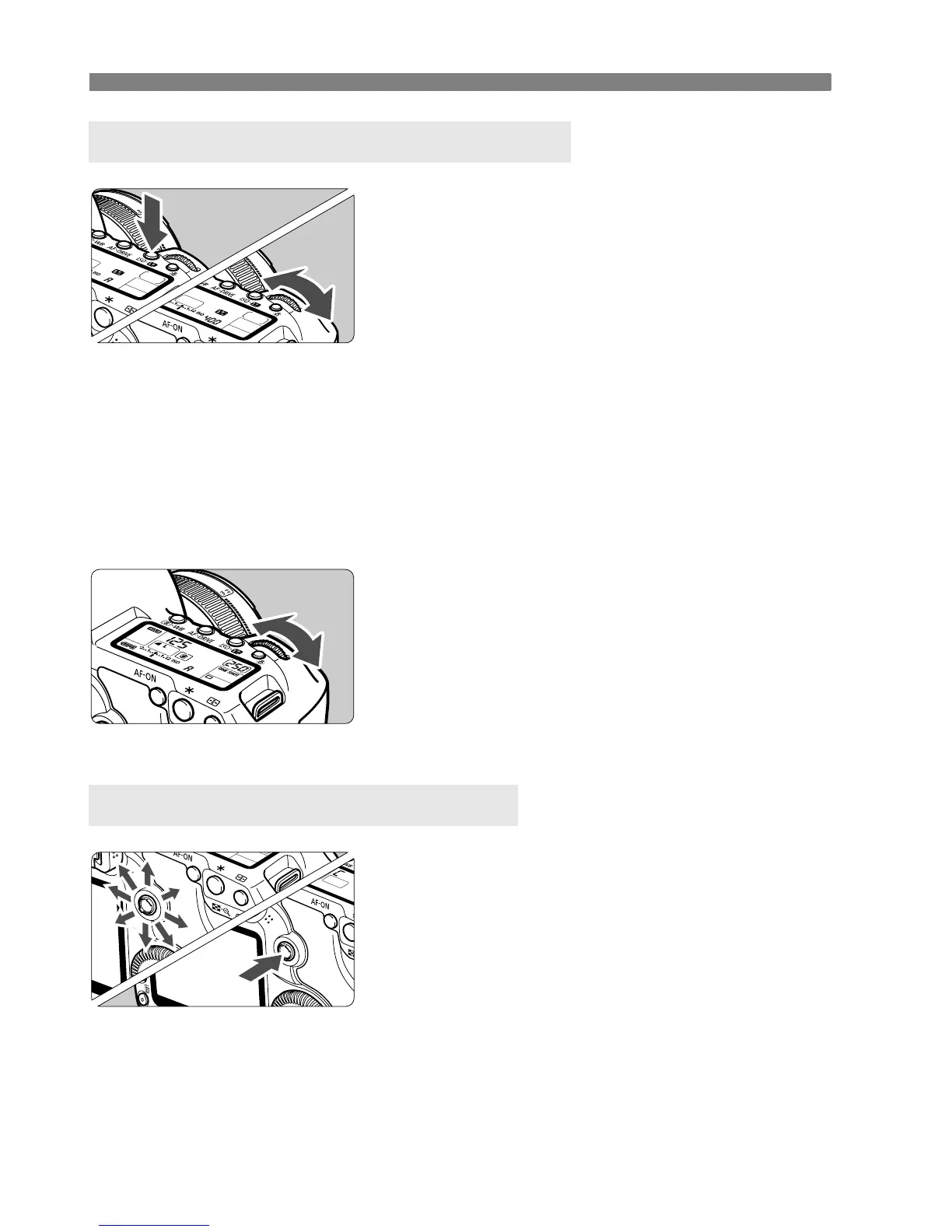
(1)
After pressing a button, turn the
<6> dial.
When you press a button, its function
remains selected for 6 seconds (9).
During this time, you can turn the <6>
dial to set the desired setting.
When the function turns off or if you
press the shutter button halfway, the
camera will be ready to shoot.
Use this dial to select or set the
metering mode, AF mode, ISO
speed, AF point, etc.
(2)
Turn the <6> dial only.
While looking at the viewfinder or LCD
panel, turn the <6> dial to set the
desired setting.
Use this dial to set the shutter speed,
aperture, etc.
The <
9> consists of a key with eight
directions and a button at the center.
Use it to select the AF point, correct
the white balance, move the AF point
or magnifying frame during Live View
shooting, scroll the playback image
during magnified view, operate the
Quick Control screen, etc.
You can also use it to select or set
menu options (except [3 Erase
images] and [5 Format]).
6 Using the Main Dial for Selecting
9 Operating the Multi-controller















 To Next Page