Chapter 5
5-27
5.7.3 DRAM Tests
0004-4269
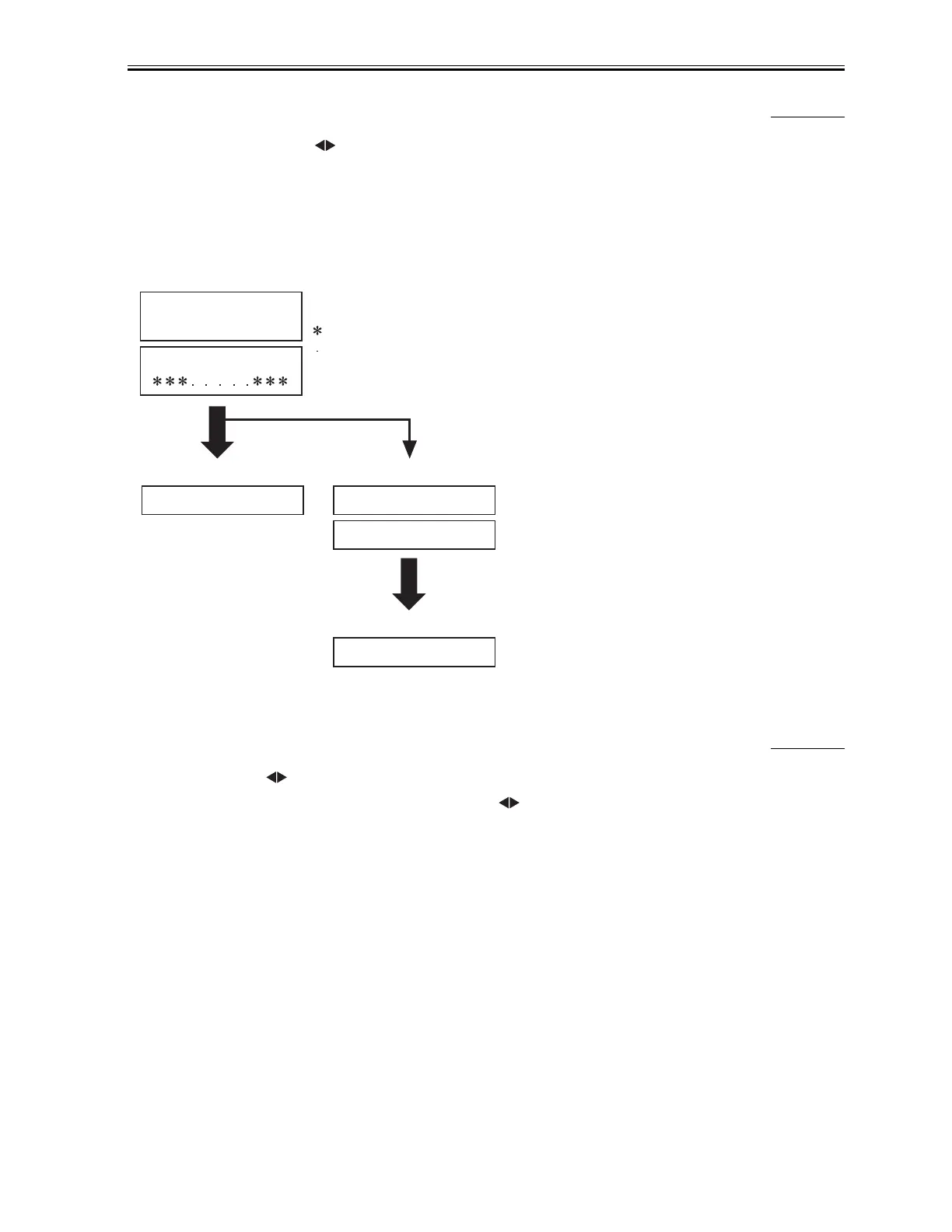
Pressing the numeric key 1 or key from the test mode menu selects the D-RAM tests. D-RAM Test 1 writes data
to the entire D-RAM region and reads it out to check that operations are correct. DRAM Test 2 just reads data at high
speed.
Replace the SPCNT board if an error occur.
F-5-8
5.7.4 PRINT Tests
0004-4265
Pressing the 3 key or key from the test mode menu selects the print test. This test prints various patterns. For
servicing, use the 3-8: CHECKERS pattern (press the 8 key key from the print test menu). The other patterns are
not to be used since they are for development and factory
personnel. End this test by pressing the Stop/Reset key.
Check the pattern for the following:
Operating
1:D-RAM
5120K
1:D-RAM
5120K
- 1 - 1 +
5120K:D-RAM total memory capacity(bytes)
: Indicates an address for which write testing is complete.
: indicates an address for which read testing is complete.
Error
Error display
Error display
Normal end
Complete (no error)
Complete (error)
WRT= 33CC RD= 3333
ADR=2800
Restart by pressing
Start key.
WRT: data written
RD: data read
ADR: address
Download Service Manual And Resetter Printer at http://printer1.blogspot.com



 To Next Page