Chapter 4
4-5
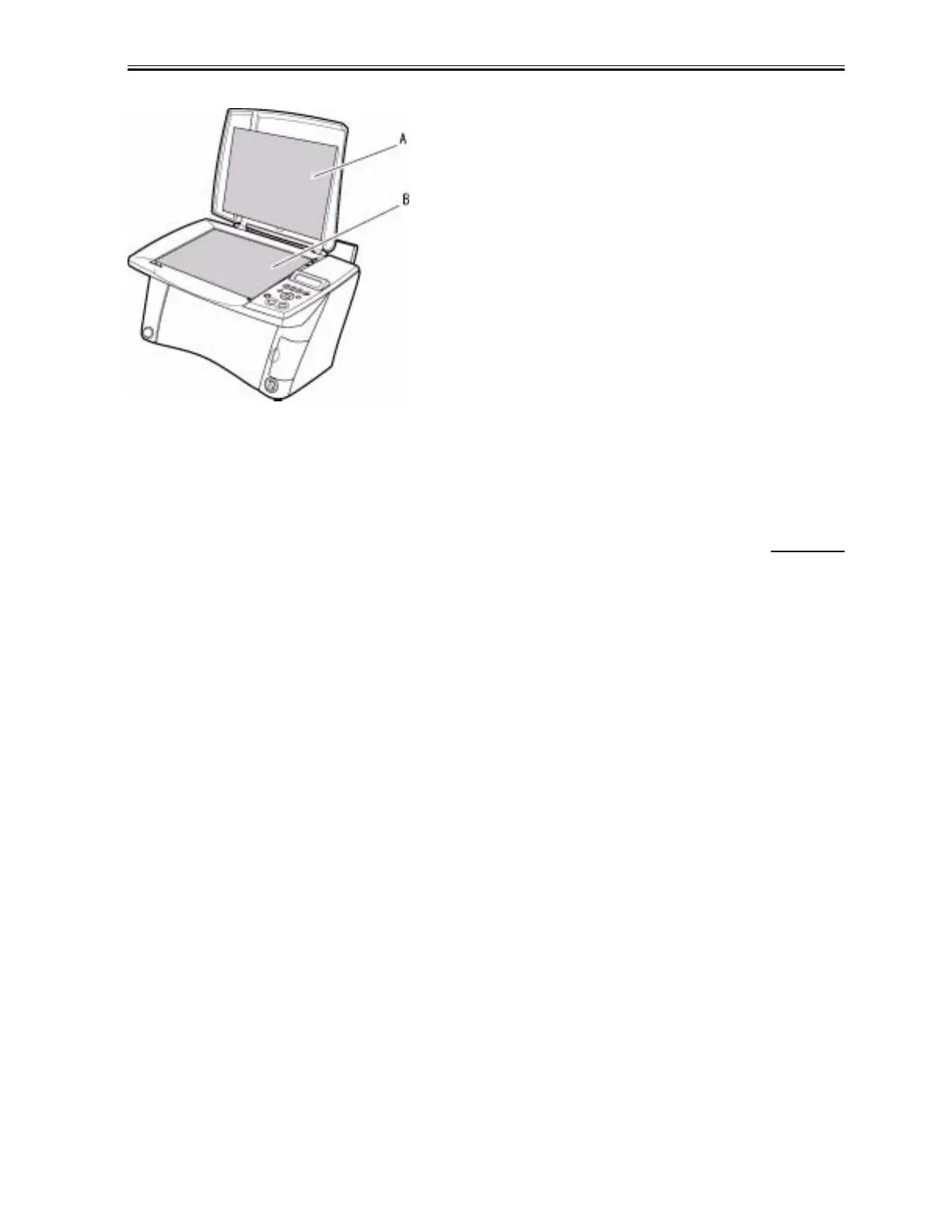
F-4-1
A: Document Cover
B: Document Glass
4.2.4 Printer
0002-2366
Cleaning the roller
Remove all the media from the multi-purpose tray, and then press the [User Mode] key. Select [MAINTENANCE]
by pressing cursor keys. Select [ROLLER CLEANING] by pressing cursor keys, and then press the [Set] key.
Repeat this procedure twice after the roller cleaning is complete. Load A4 or LTR plain papers into the multi-
purpose tray, and then perform the roller cleaning three times.
Download Service Manual And Resetter Printer at http://printer1.blogspot.com



 To Next Page