Chapter 3
3-6
3.2 Assembly and Disassembly
3.2.1 Disassembly/Assembly
0002-0424
As a rule, refer to the Parts Catalog for instructions on how to disassemble and assemble the machine. The
discussions that follow are limited to those components that are thought to require replacement relatively more often
than others.
3.2.2 Basic Disassembly
0002-5250
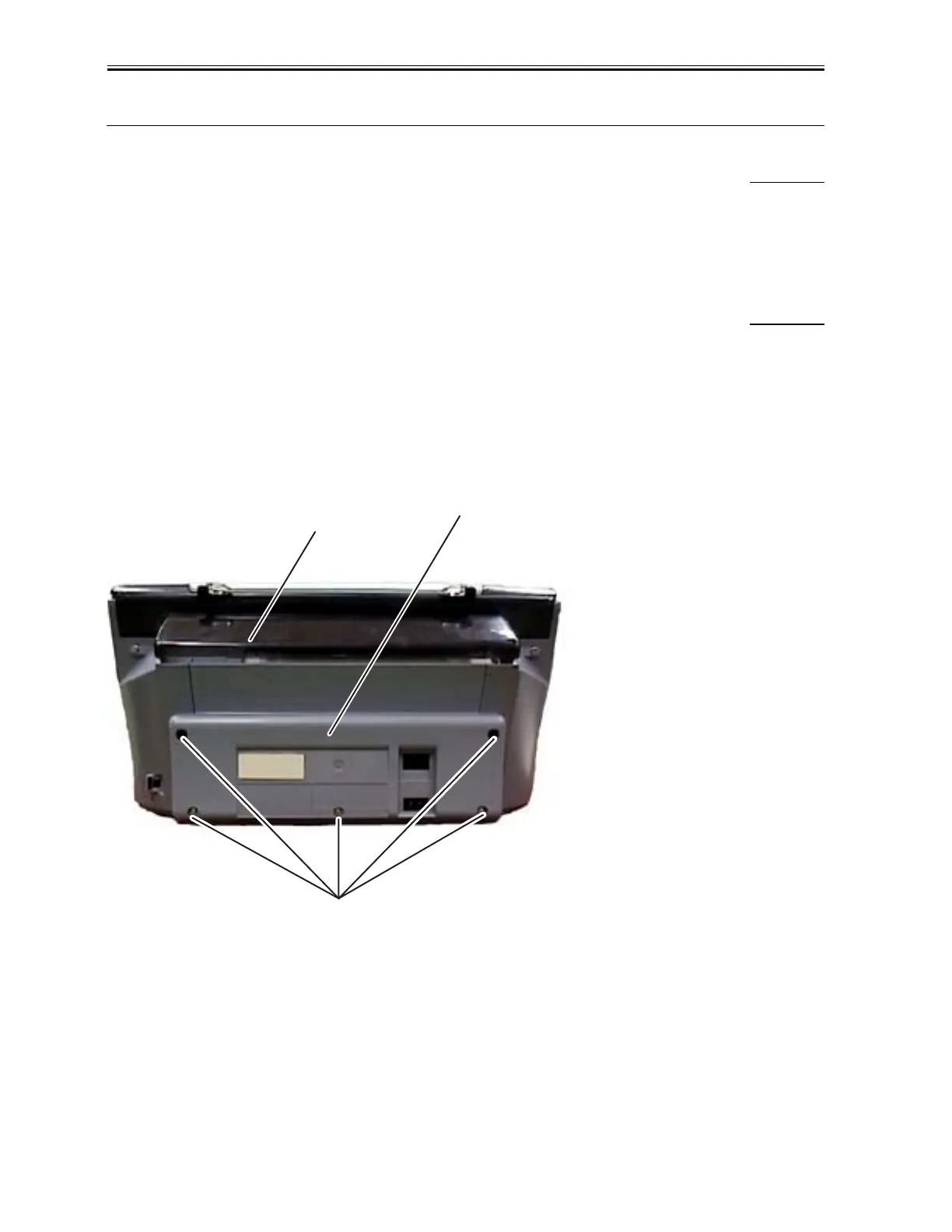
(1) Remove Multi-purpose tray.
(2) Remove 5 screws (a), and detach the rear cover.
MP390: detach claws and remove the speaker.
F-3-1
(3) Lift the scanner unit and insert a precision flat bladed screwdriver in an upright posture in a narrow gap between
the right front cover and the right side cover. Exert an outward pressure by twisting the screwdriver to detach the
claw (b). Then detach two claws (c) in descending order.
a
Rear cover
Multi-purpose tray
Download Service Manual And Resetter Printer at http://printer1.blogspot.com



 To Next Page