Chapter 3
3-16
3.2.6 SPCNT Board
0002-5266
(1) Perform the Basic Disassembly procedures.
(2) MP390: Remove NCU and the modular board.
(3) Perform step 1 through step 4 of the disassembly procedures of the scanner unit.
Then remove the scanner unit from the main unit.
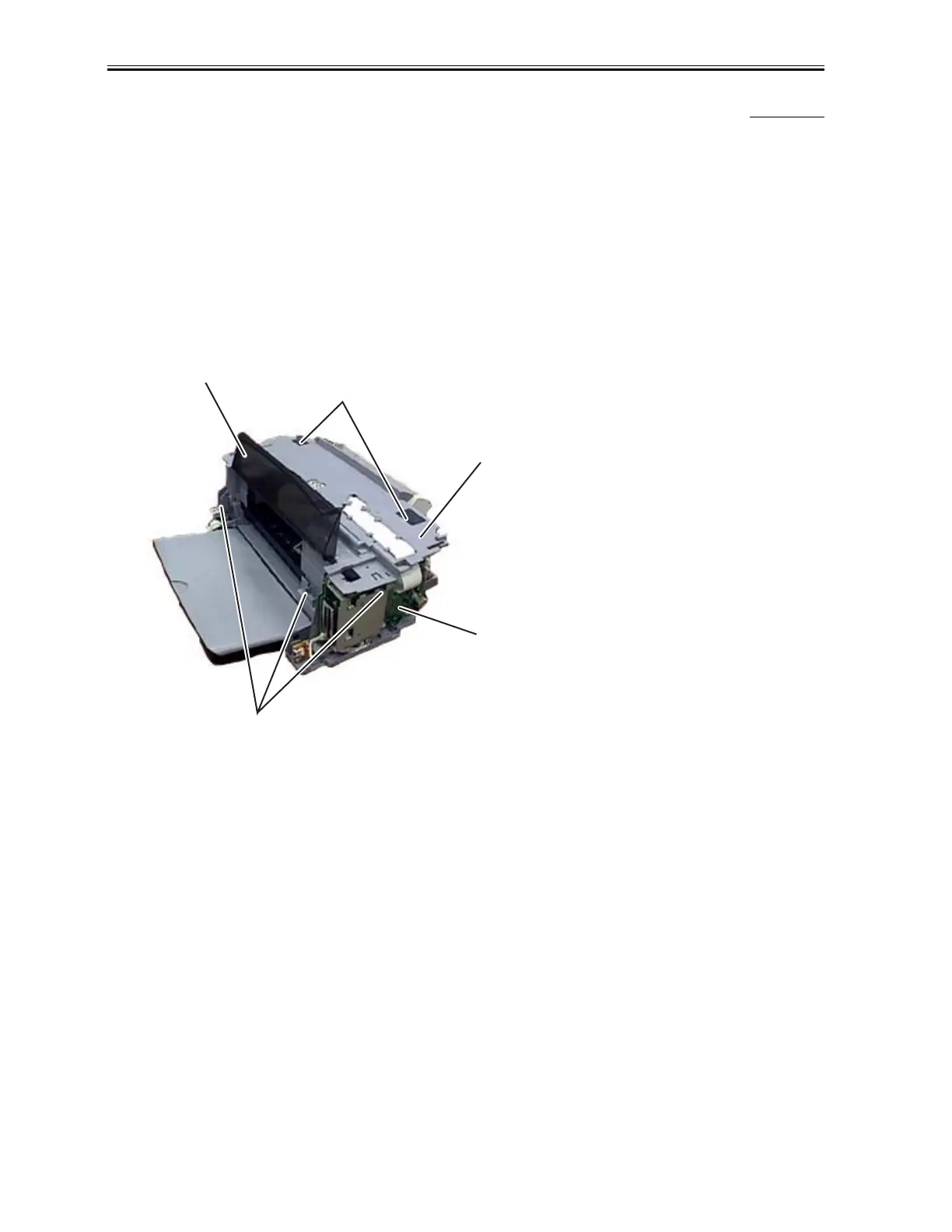
(4) Remove the inner cover from the middle frame.
(5) Remove Connector JHEAD1, JHEAD0, JEXIT1 from the SPCNT Board.
(6) Remove Connector JTRY1 from the sensor board.
(7) Remove the screw (a) from the middle frame.
(8) Remove Connector JCARD1, JPSU1, JUSB2 from the SPCNT Board.
F-3-18
(9) Remove 2 screws (b) and then remove the multi-card reader board together with its frame from the main unit.
a
a
Inner Cover
SPCNT Board
Middle Frame
Download Service Manual And Resetter Printer at http://printer1.blogspot.com



 To Next Page