PC-D320/PC-D340/FAX-L400 Chapter 3: Assembly and Disassembly
3-7
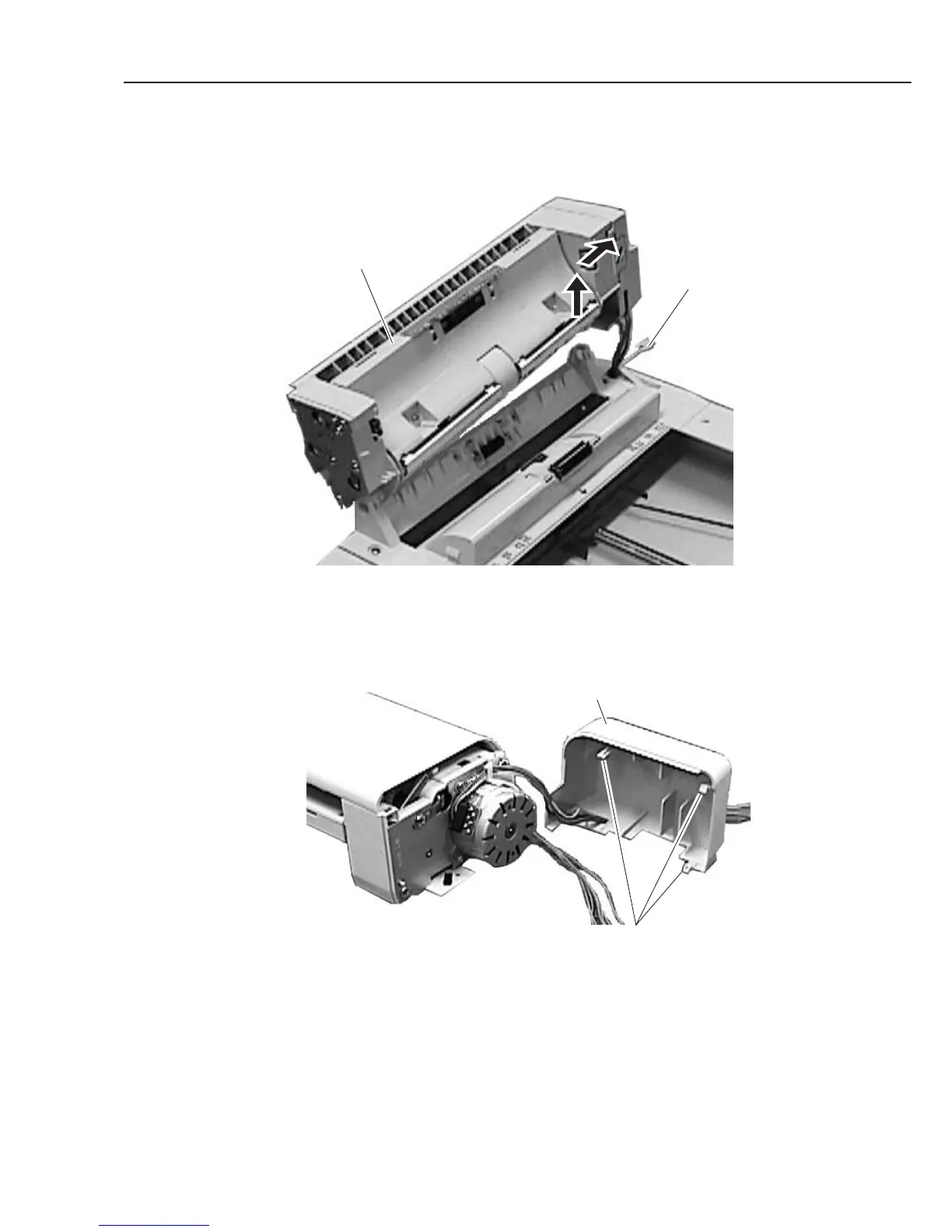
(7) Open the document feed ass’y, and detach the stopper. While lifting up the rear side of
the document feed ass’y, shift it to the rear side for removing.
Figure 3-5 Document Feed Section 4
(8) Remove the document feed rear cover while detaching the 3 claws.
Figure 3-6 Document Feed Section 5
Document feed ass'y
Stopper
Document feed rear cover
Claws



 To Next Page