52
Chapter 3 Handling
4. Clearing a Paper Jam or Double Feed Error
When a paper jam or double feed error is detected, feeding and scanning stops.
1. Check the displayed message.
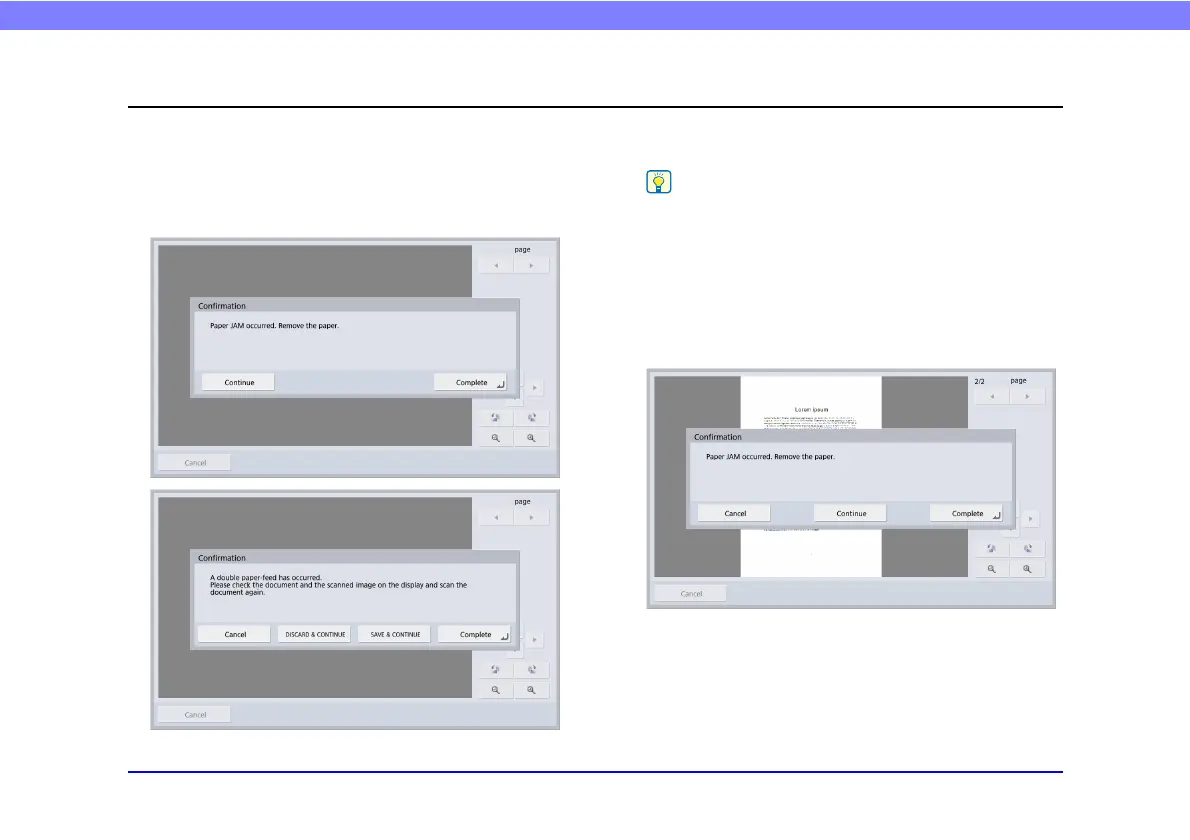
If a paper jam or double feed error is detected at the first
page of a document, the following messages appear.
• If you press [Complete], the display returns to the previous
screen.
• If you want to continue scanning, reset the document before
progressing with screen operations. Press [Continue] to
resume scanning.
If a paper jam or double feed error is detected in the middle
of a document, the following messages appear.








 To Next Page