143
Chapter 5 Administrator Settings
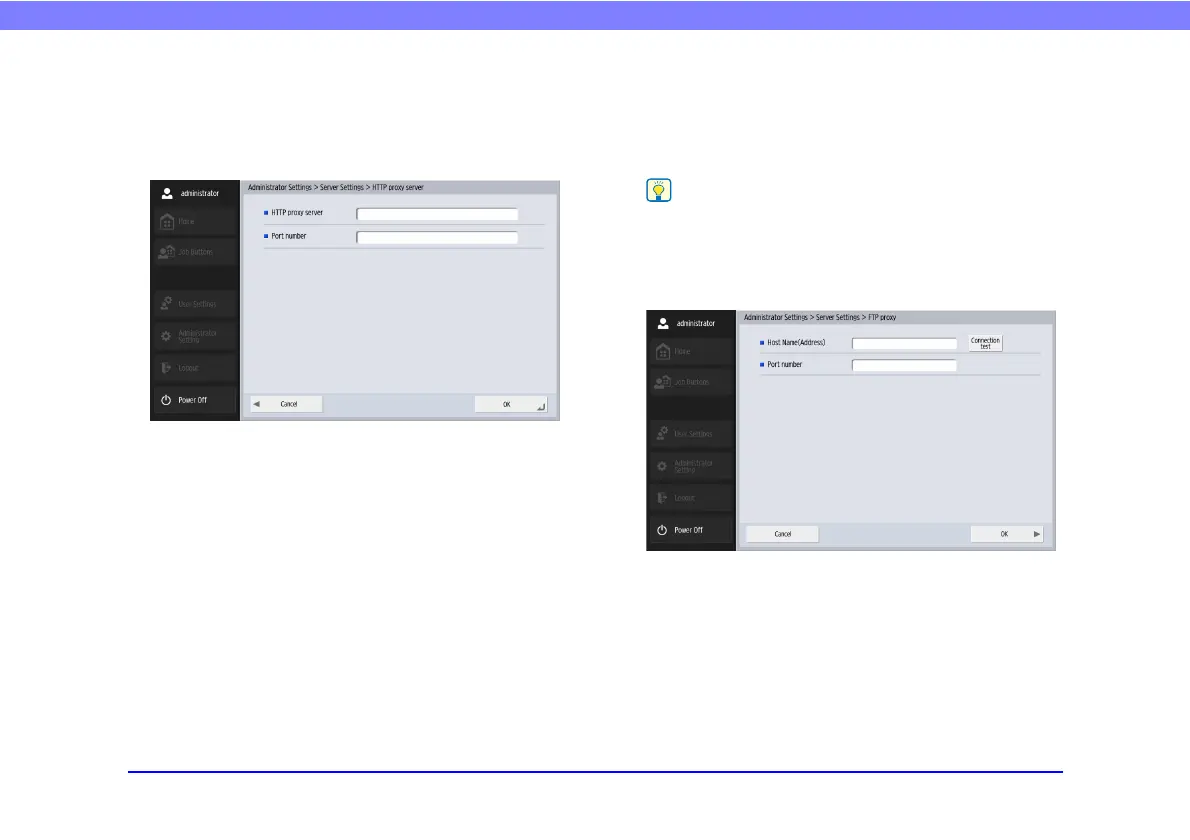
❏ HTTP Proxy Server
Configure the proxy server to use when using an HTTP
proxy server to connect to an external network (see p. 79)
when sending files to the shared folder.
❏ FTP Proxy Server
Configure the proxy server to use when traversing a
firewall to connect to an external FTP server via an FTP
proxy server. (See p. 143.)
• To connect via an FTP proxy server, the [Enable] check box
for [Use FTP proxy] must be selected in the FTP address
registration screen (see p. 81).
• Proxy servers that require user names and passwords are not
supported.
• Host Name (Address)
Enter the FTP proxy server’s address.
• Port number
Enter the FTP proxy server’s port number.








 To Next Page