95
Chapter 4 Operating Procedures
Feeder/flatbed
When a flatbed scanner is connected, select whether
scanning will be performed on the ScanFront or on the
flatbed scanner. When [Auto] is selected, scanning will be
performed on the ScanFront when documents are placed
on the ScanFront (ADF) or on the flatbed scanner when
documents are not placed on the ScanFront.
• When [Auto] is selected, the scanning resolution will be limited
to a maximum of 300 dpi.
• When using a Flatbed Scanner Unit 102 that is connected to
the ScanFront, place the document so that its top left corner
aligns with the arrow on the flatbed scanner.
❏ File Formats
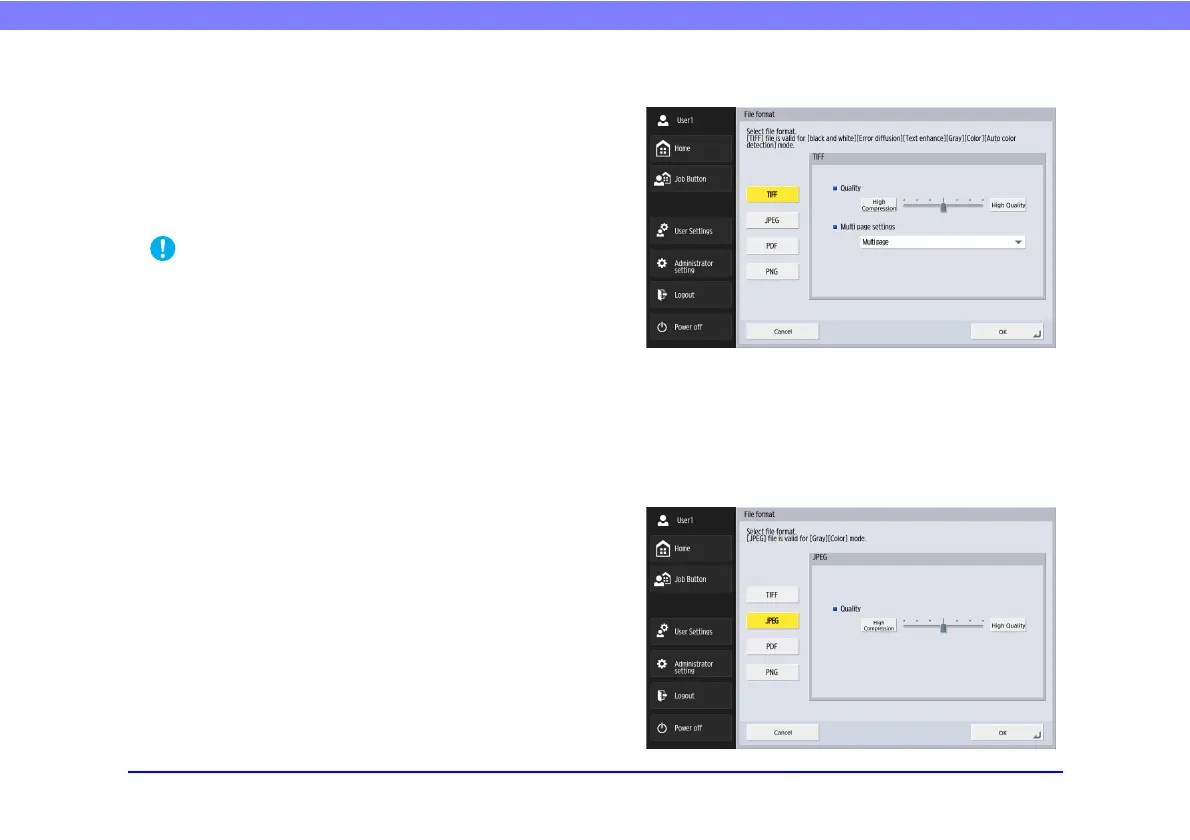
You can select from the four available file formats TIFF,
JPEG, PDF and PNG, and the modes available for
scanning vary, depending on the file format setting. (See
“Mode” on p. 87.)
TIFF format
Select [Single page (Front/back separate file)] to save each
side of each page as a separate image file, [Single page
(Front/back same file)] to save each page as a separate
image file, or [Multi page] to save one image file
containing multiple pages when scanning multiple pages.
JPEG format








 To Next Page