65
Chapter 4 Operating Procedures
5. User Settings Screen
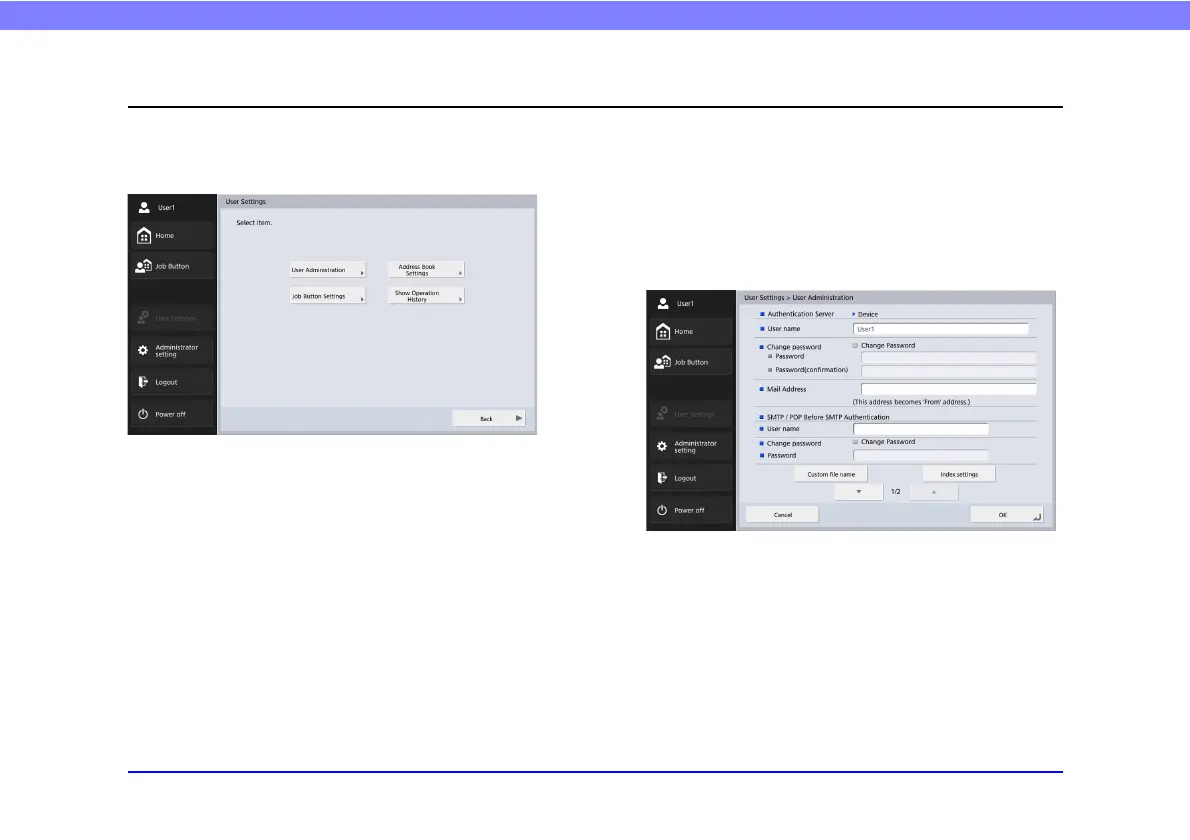
The User Settings screen enables you to edit the User Settings of the currently logged in user, perform registration or editing for the
address book and job buttons, and edit passwords. For details, see “User Settings” on p. 156.
❏ User Administration
Edit user names and email addresses and select the screen
that appears after device login. (See “User
Administration” on p. 157.)








 To Next Page