86
Chapter 4 Operating Procedures
i Scan Settings
Sets the scan conditions. (See “Scan Settings” on p. 86.)
j Detailed settings
Configures detailed settings for scan conditions. (See
“Detailed Settings” on p. 88.)
k [Start] button
Starts scanning.
❏ Scan Settings
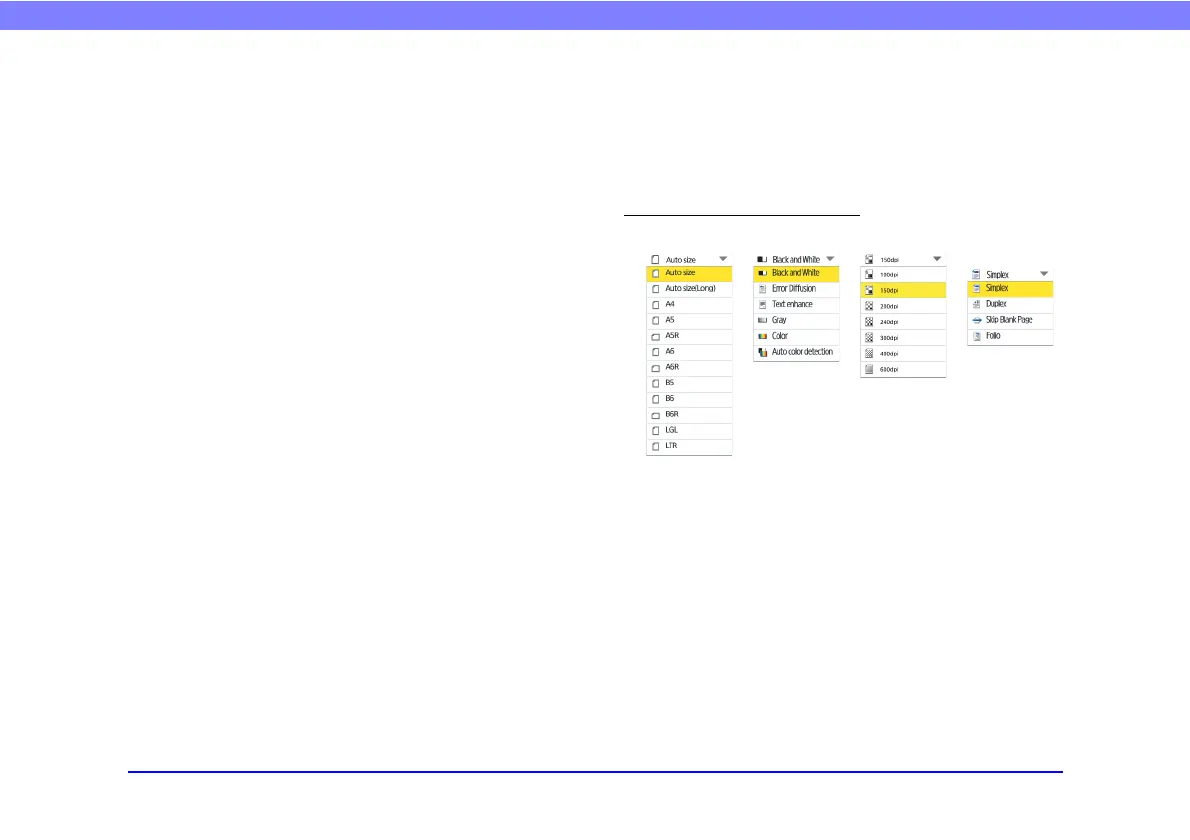
The scan settings include basic condition settings (page
size, mode, resolution, scanning side, and brightness) and
detailed settings for scanning.
Basic Condition Settings
Paper Size
Select the size of the document you want to scan.
The paper sizes displayed will differ as follows, depending
on the [Feeder/flatbed] setting in the [Detailed Settings]
screen.
• When [Auto] or [Feeder] is selected, the paper sizes
supported by both the ScanFront and the flatbed scanner
are displayed.
• When [Flatbed] is selected, the paper sizes supported by
the flatbed scanner are displayed.
Paper size Mode Resolution Scanning
side








 To Next Page