82
Chapter 4 Operating Procedures
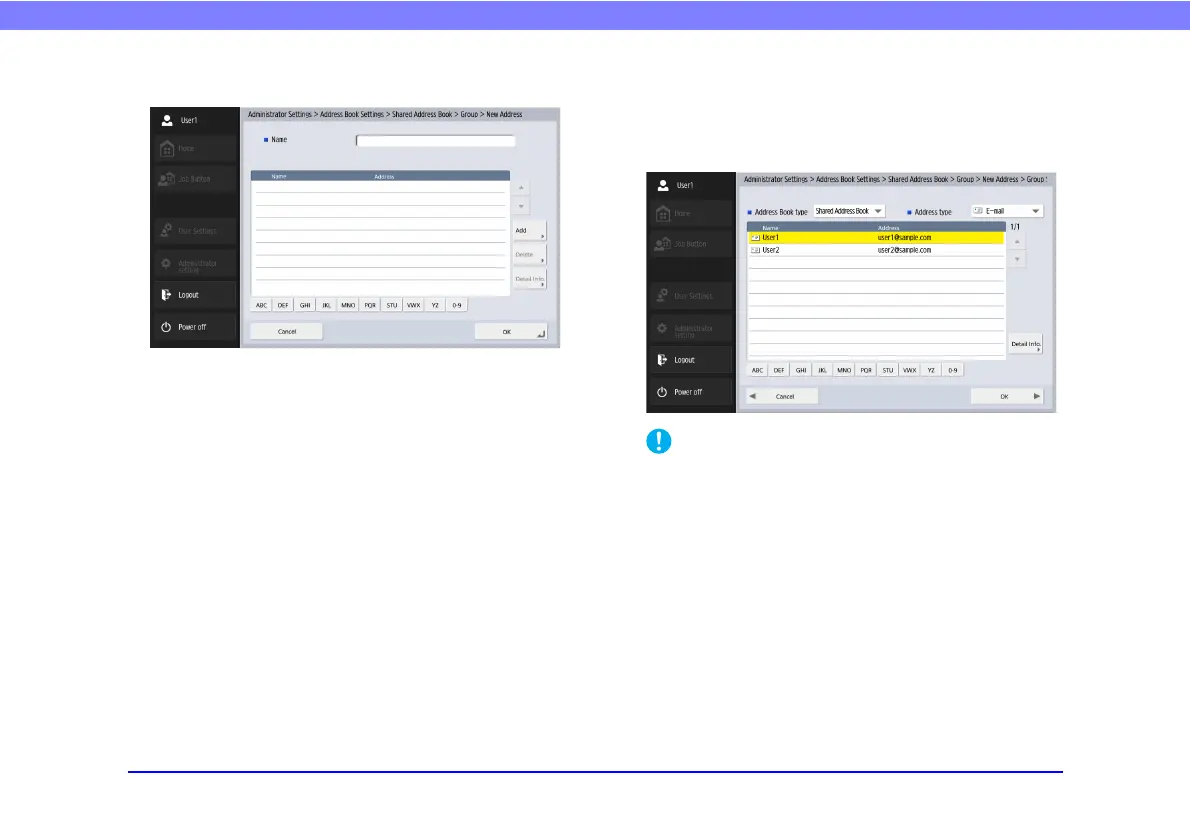
Group Registration Screen
•Name
Enter the name that you want to appear in the address
book.
• [Add] button
Select addresses to register to the group from [Address
Book type] and [Address type]. The selected addresses
are displayed in the list.
• When you add shared folders to groups, do not add multiple
shared folders with different access privileges to one group.
• Using a group to simultaneously send to shared servers and
the like and multiple shared folders with different access
privileges may result in a send error.


 To Next Page
 Loading...




