3
Print Settings
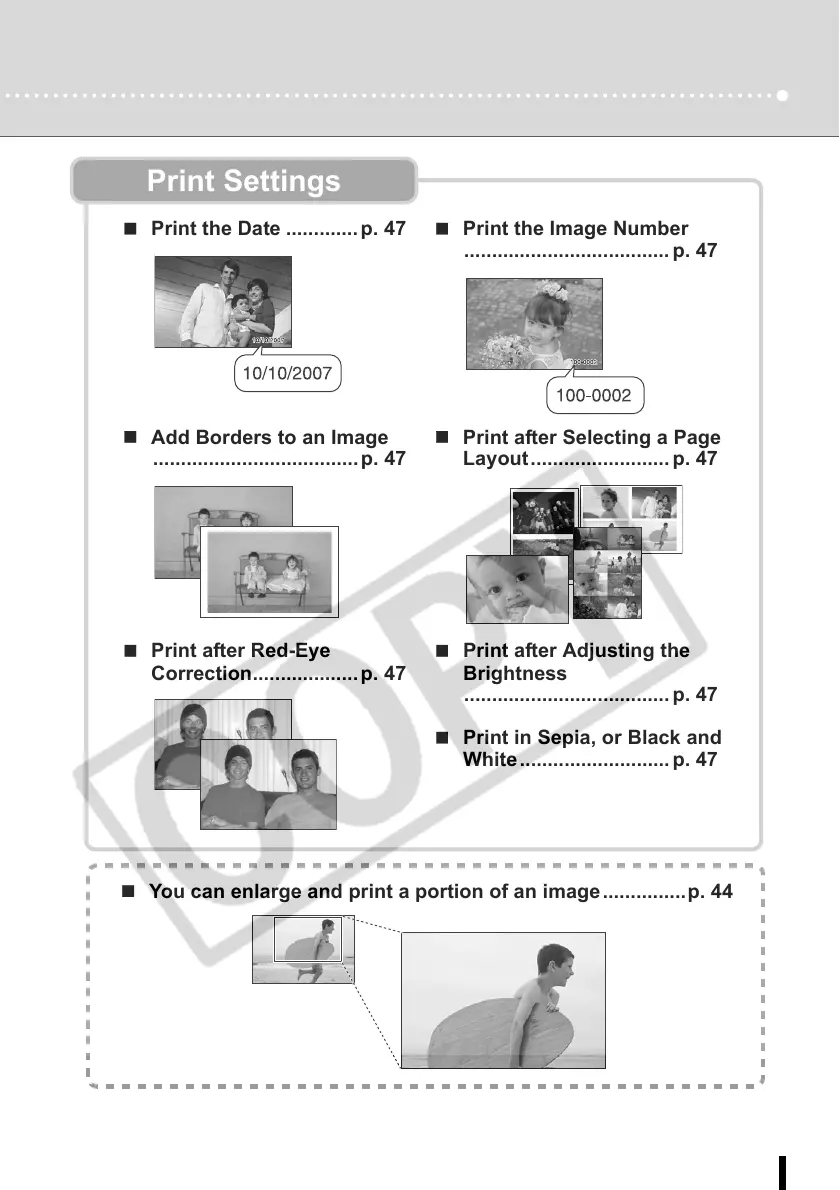
Print the Date ............. p. 47 Print the Image Number
..................................... p. 47
Add Borders to an Image
.....................................p. 47
Print after Selecting a Page
Layout......................... p. 47
Print after Red-Eye
Correction................... p. 47
Print after Adjusting the
Brightness
..................................... p. 47
Print in Sepia, or Black and
White ........................... p. 47
You can enlarge and print a portion of an image ...............p. 44














 To Next Page