44
Printing from Memory Cards
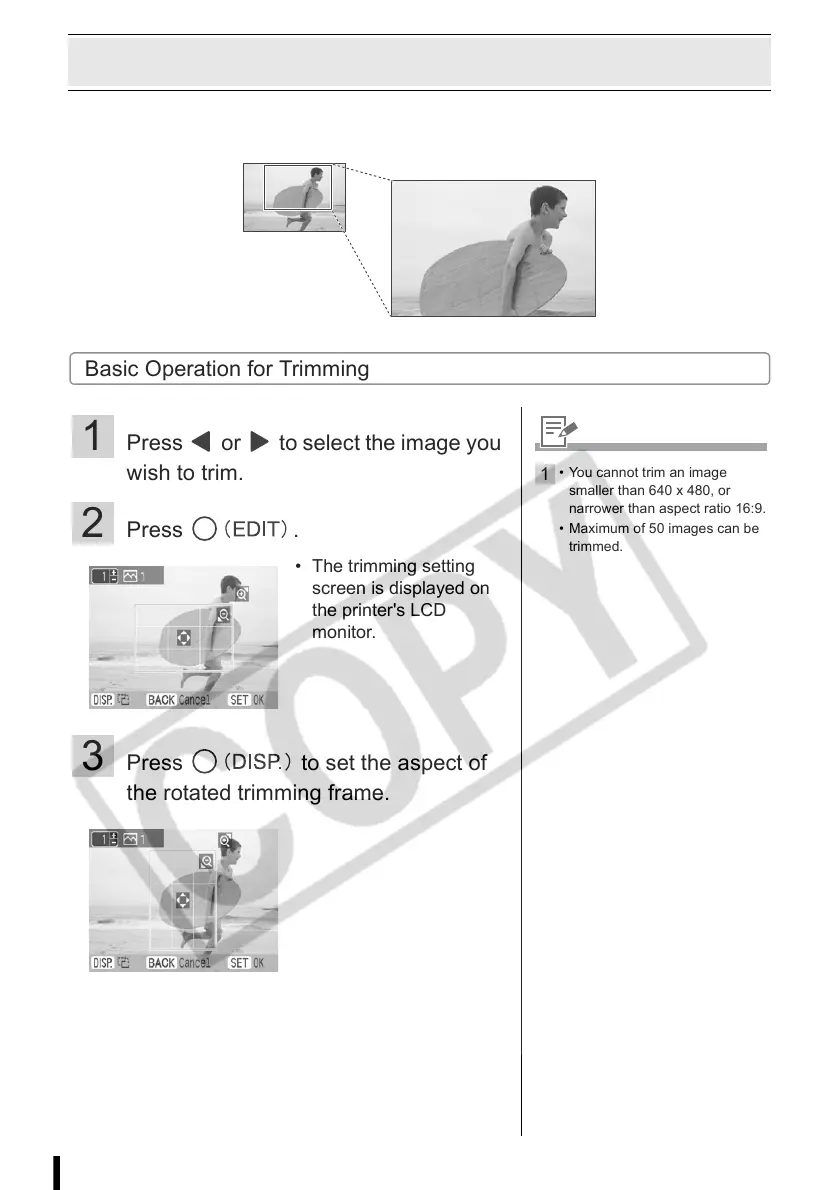
Enlarging and Printing a Portion of an Image (Trimming)
You can trim a part of the desired image and print in Basic Printing (p. 27), the [Calendar] mode in
Creative Printing (p. 35), [Multi Layout] mode (p. 37), and [ID Photo] mode (p. 39).
Basic Operation for Trimming
1 Press or to select the image you
wish to trim.
2 Press .
3 Press to set the aspect of
the rotated trimming frame.
• The trimming setting
screen is displayed on
the printer's LCD
monitor.
1
• You cannot trim an image
smaller than 640 x 480, or
narrower than aspect ratio 16:9.
• Maximum of 50 images can be
trimmed.














 To Next Page