Enlarging and Printing a Portion of an Image (Trimming)
45
Printing from Memory Cards
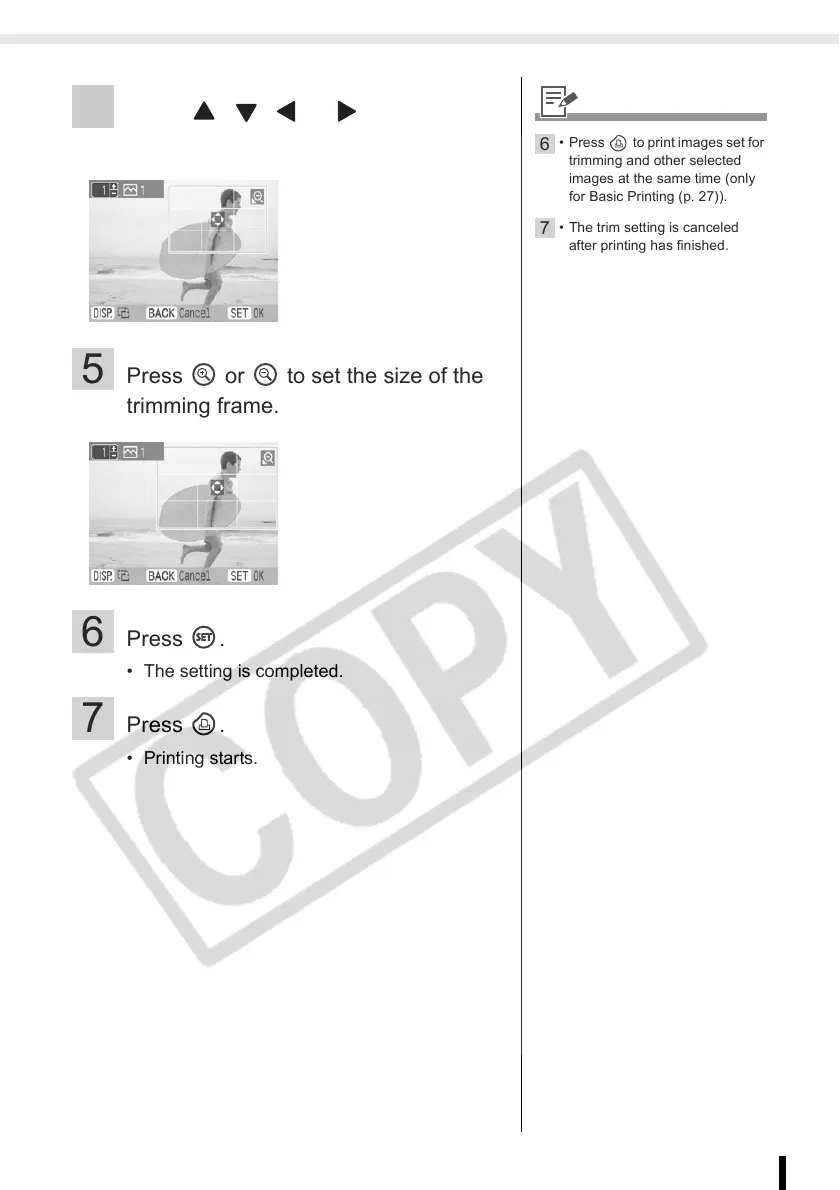
4 Press , , or to set the
trimming area.
5 Press or to set the size of the
trimming frame.
6 Press .
• The setting is completed.
7 Press .
• Printing starts.
6
• Press to print images set for
trimming and other selected
images at the same time (only
for Basic Printing (p. 27)).
7
• The trim setting is canceled
after printing has finished.














 To Next Page