Creative Print
38
Printing from Memory Cards
Speech Bubble
5 Check the settings on the screen.
6 Press .
• Printing starts.
5
• Use or for specifying
the number of prints.
1 Select [Speech Bubble] in [Creative
Print].
• For selecting [Speech Bubble], refer to How
to Use the Menu (p. 32).
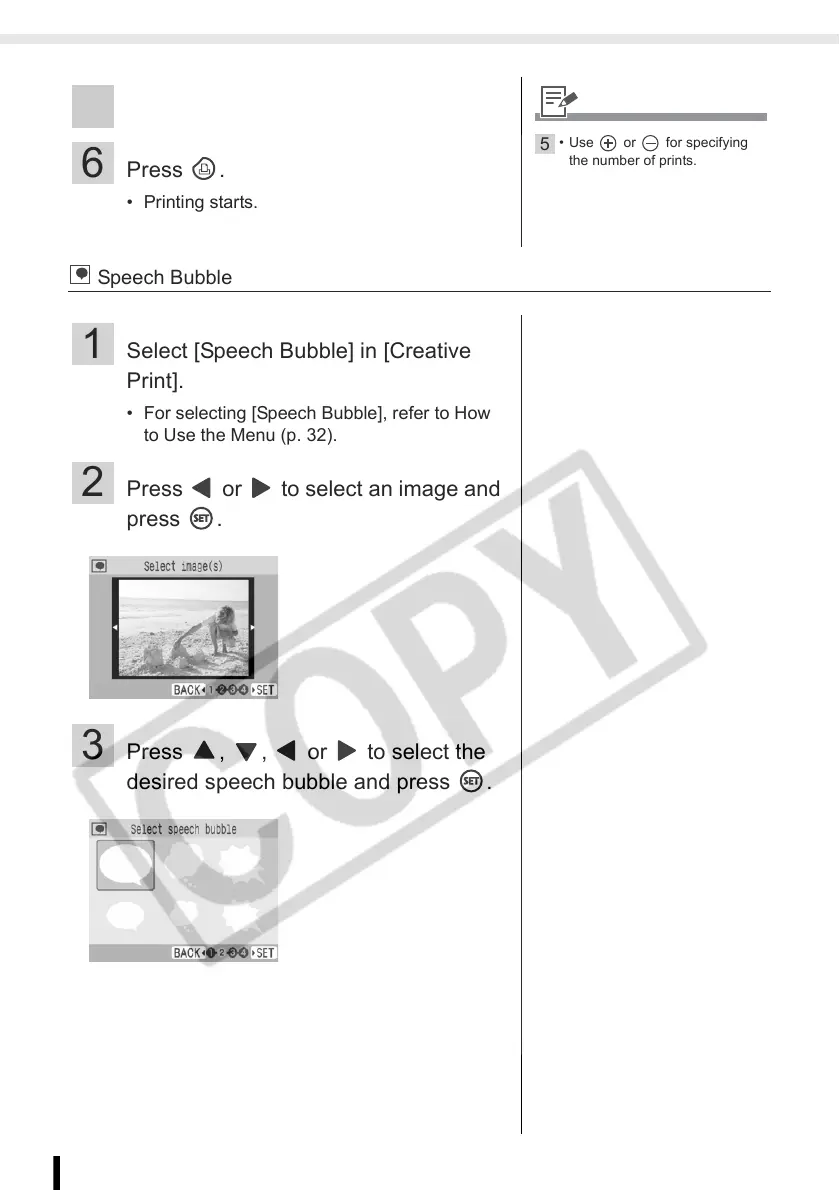
2 Press or to select an image and
press .
3 Press , , or to select the
desired speech bubble and press .














 To Next Page