Installing the Printer Driver and Software
65
Printing from a PC
Macintosh
Installing the Printer Driver
1 Place the supplied Compact Photo
Printer Solution Disk in the computer
and double-click the icon in the
CD-ROM window.
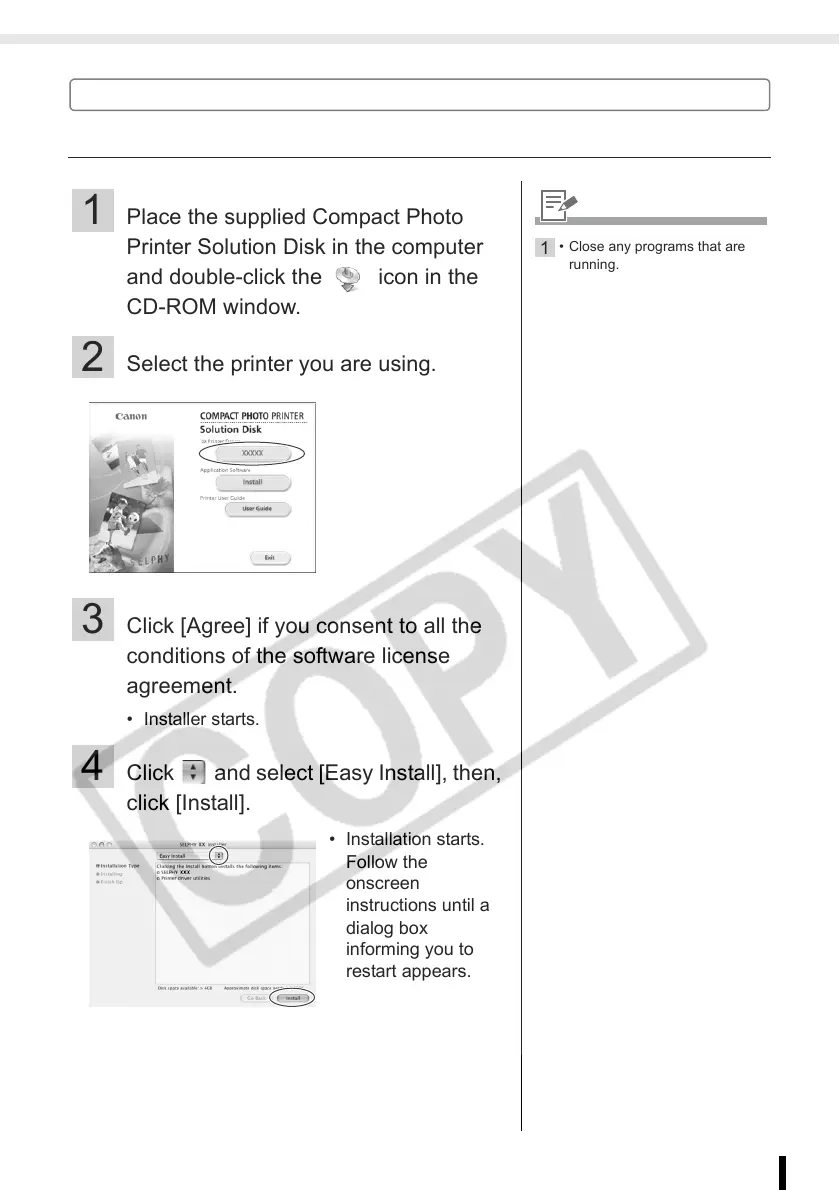
2 Select the printer you are using.
3 Click [Agree] if you consent to all the
conditions of the software license
agreement.
• Installer starts.
4 Click and select [Easy Install], then,
click [Install].
• Installation starts.
Follow the
onscreen
instructions until a
dialog box
informing you to
restart appears.
1
• Close any programs that are
running.














 To Next Page