Installing the Printer Driver and Software
67
Printing from a PC
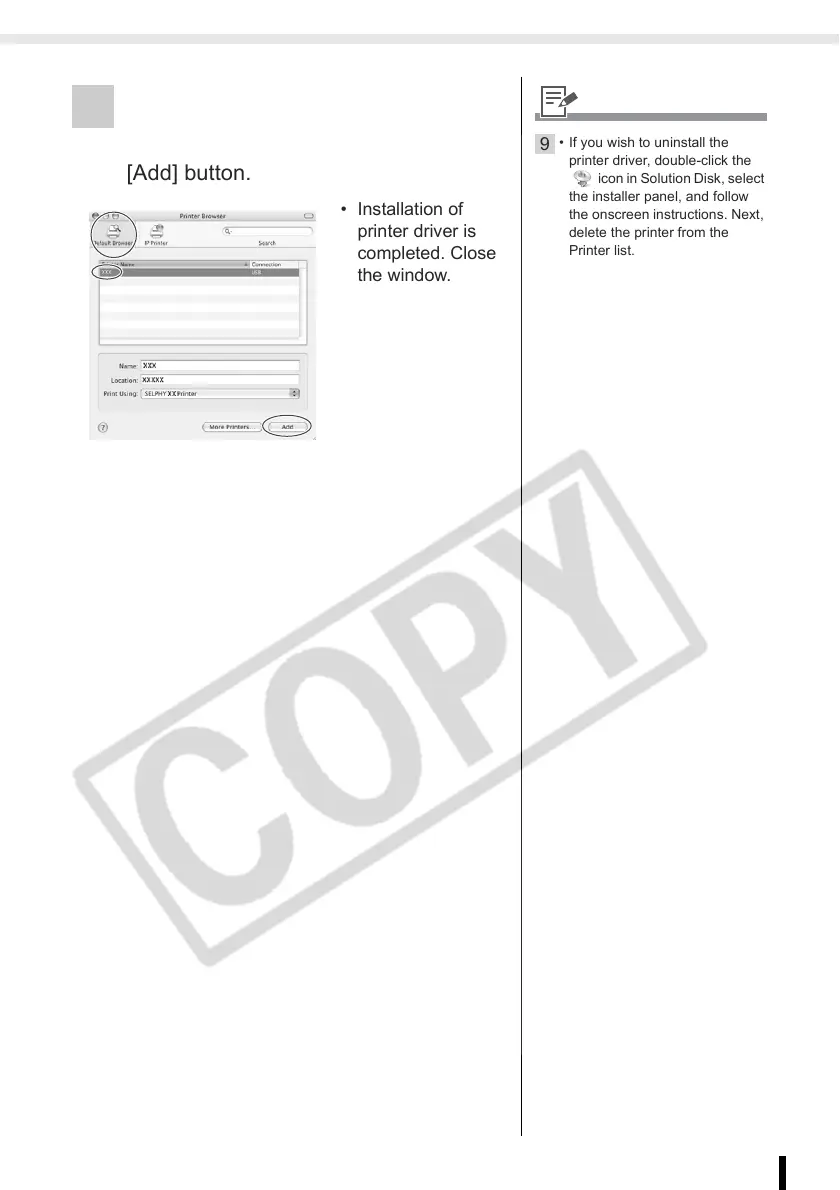
9 Click [Default Browser], select the
printer you are using, and then click the
[Add] button.
• Installation of
printer driver is
completed. Close
the window.
9
• If you wish to uninstall the
printer driver, double-click the
icon in Solution Disk, select
the installer panel, and follow
the onscreen instructions. Next,
delete the printer from the
Printer list.














 To Next Page