Introduction to the Supplied Programs
70
Printing from a PC
Ulead Photo Express LE
This section give a basic overview of inserting frames and text, and then printing.
If you have questions about Ulead Photo Express LE, please access the URL below:
http://www.ulead.com/events/canon/selphy/
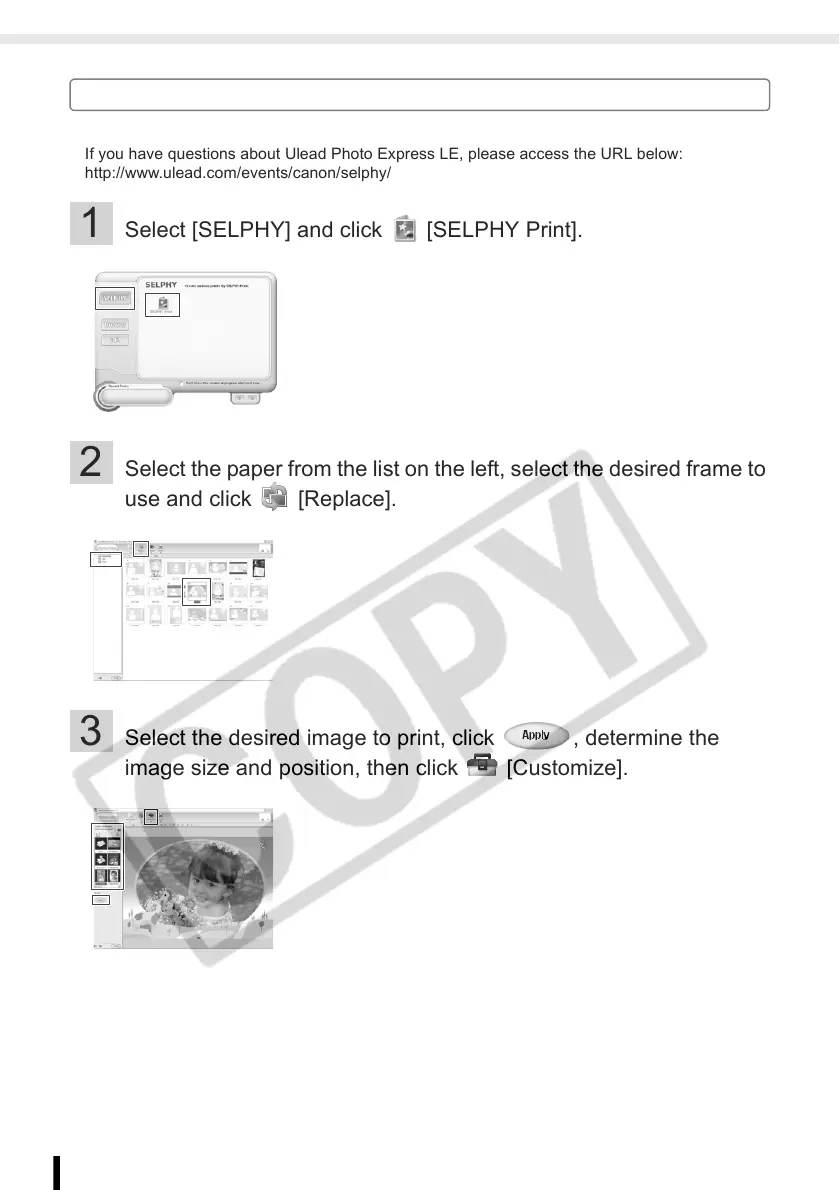
1 Select [SELPHY] and click [SELPHY Print].
2 Select the paper from the list on the left, select the desired frame to
use and click [Replace].
3 Select the desired image to print, click , determine the
image size and position, then click [Customize].














 To Next Page