Introduction to the Supplied Programs
71
Printing from a PC
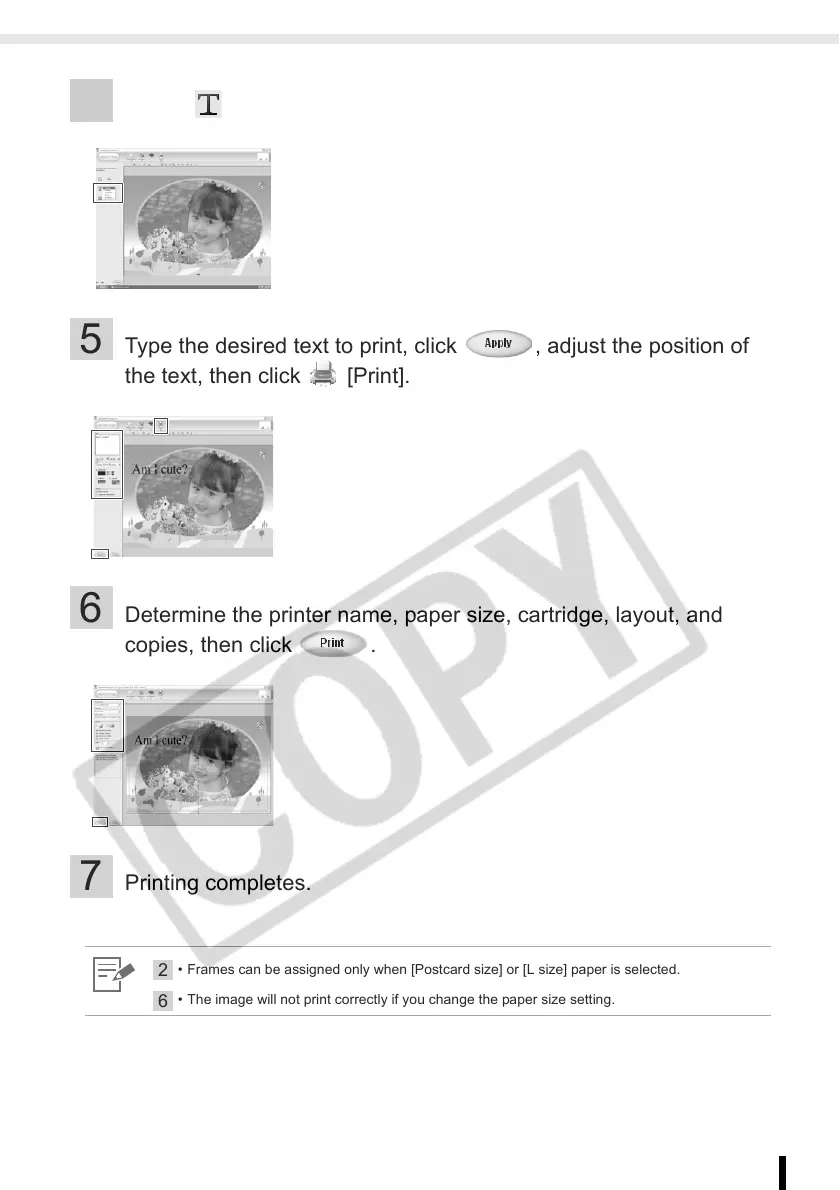
4 Select [Text], click [Add/Edit].
5 Type the desired text to print, click , adjust the position of
the text, then click [Print].
6 Determine the printer name, paper size, cartridge, layout, and
copies, then click .
7 Printing completes.
2
• Frames can be assigned only when [Postcard size] or [L size] paper is selected.
6
• The image will not print correctly if you change the paper size setting.














 To Next Page