Maintenance
-62-
5
5335M-0507-010E
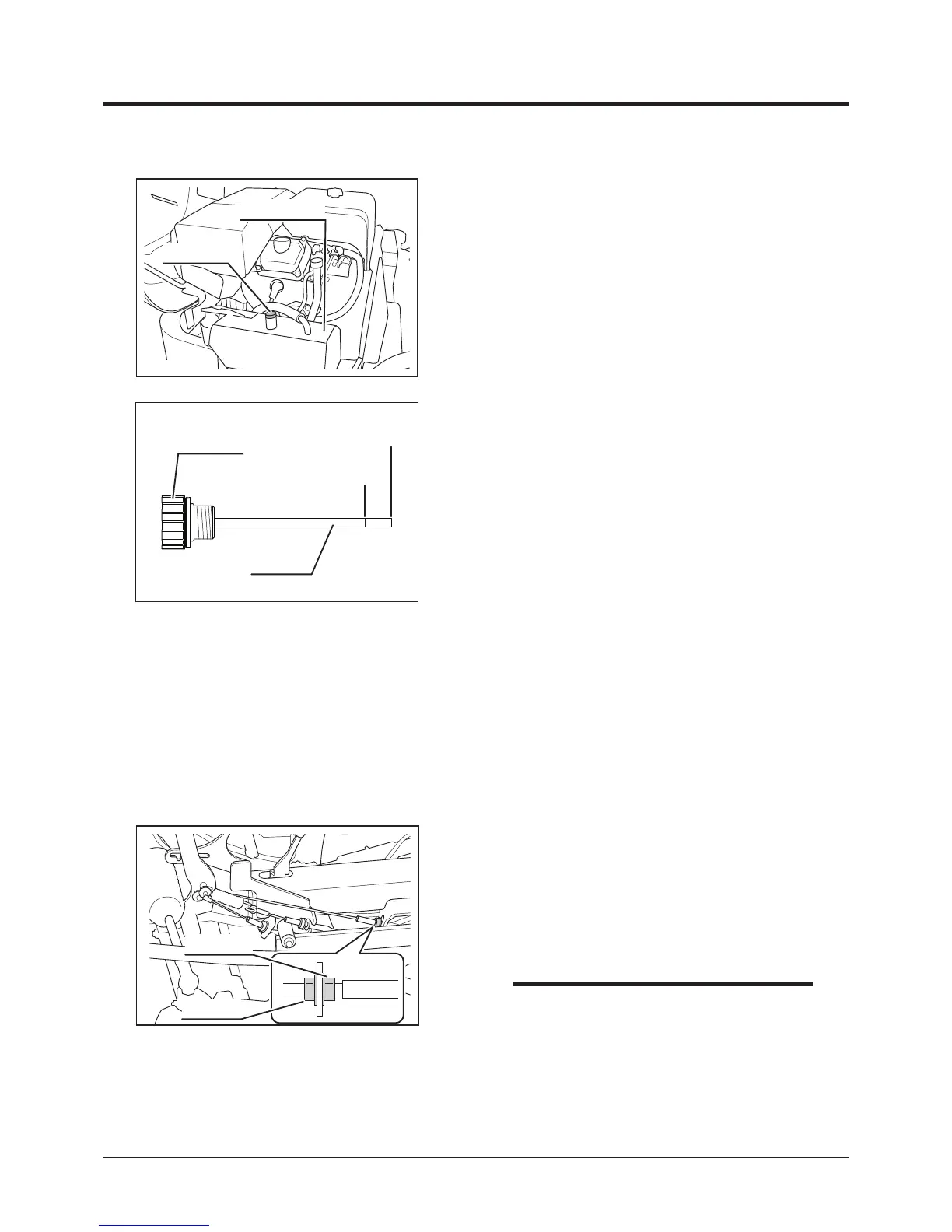
HST Oil Tank
Filler Cap
1. Park machine on level ground.
2. Open engine hood.
3. Unscrew and remove ller cap.
Inspecting - Models with charge-pump
Upper Limit
Lower Limit
5335M-0507-020E
Filler Cap
Dip Stick
1. Open engine hood.
2. Remove ller cap.
3. Fill specied HST uid into ller so that oil level is between upper and lower limits on
dipstick.
4. Reinstall ller cap back in place and screw it securely.
5. Close engine hood.
Filling - Models with charge-pump
4. Wipe dip stick with clean cloth. Reinstall ller
cap and screw it fully.
5. Unscrew and remove ller cap again. Visually
inspect that oil level is between the upper
and lower limits on dip stick. If it is below the
lower limit, ll oil.
6. Reinstall ller cap and screw it fully.
7. Close engine hood.
1. Open engine hood.
2. Have an appropriate oil drain pan.
3. Remove ller cap.
4. Remove drain plug to drain oil tank.
Changing - Models with charge-pump
• HST system cannot be fully drained due to
its design.
• Do not operate drive pedal or drive lever
with HST oil drained. Doing so lets air
into the circuit, necessitating to bleed the
circuit.
NOTE
Adjust Nut
Lock Nut



 To Next Page