6540 Series Operations Manual Rev_I 1/12/2016 18
Main Screen Display
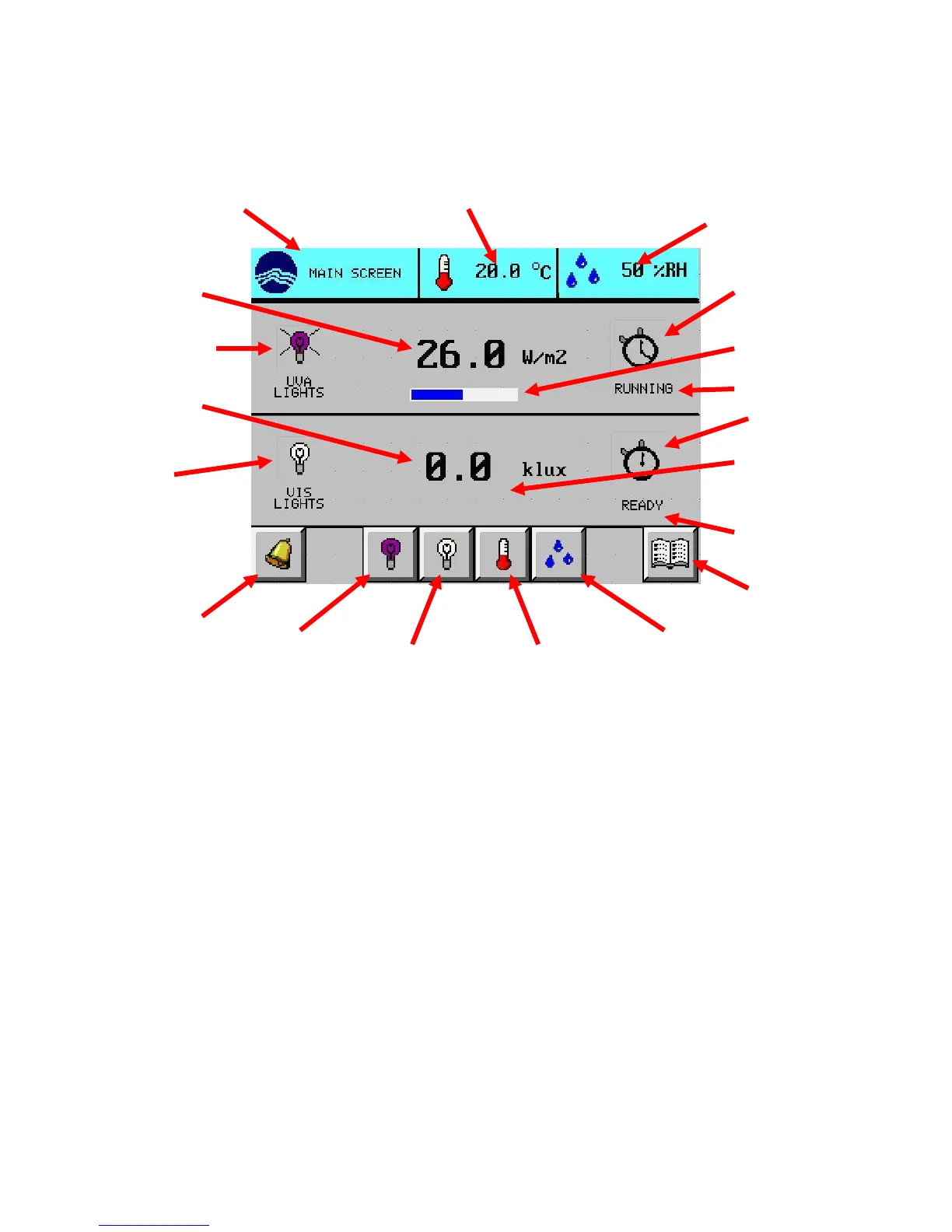
After initializing, the main screen (shown below) will display.
Units
The units displayed are as follows:
UVA light intensity W/m
2
VIS light intensity klux
Temperature ºC
Relative humidity %RH (6545-1, 6545-2, 6545-3 only)
For light exposure tests, corresponding units are:
UVA light exposure (or dose) W-hr/m
2
VIS light exposure (or dose) klux-hr
The touch screen will go into screen saver mode (blank) after being un-touched for 30 minutes. To re-
activate the touch screen (while the unit is still on), simply press anywhere on the screen and the screen will
illuminate. The power indicating light (illuminated blue ‘O’ in CARON) indicates when the unit is on.
icon & description
(optional)
point button
(hidden)
setup button
setup button
point button
on/off icon



 To Next Page