6540 Series Operations Manual Rev_I 1/12/2016 46
Configuration Menu
Factory default parameters and settings are stored in the configuration menu. Changing these parameters
will significantly affect the unit’s performance. If access to this menu is required, contact CARON for the
security code. Unauthorized configuration changes void the warranty.
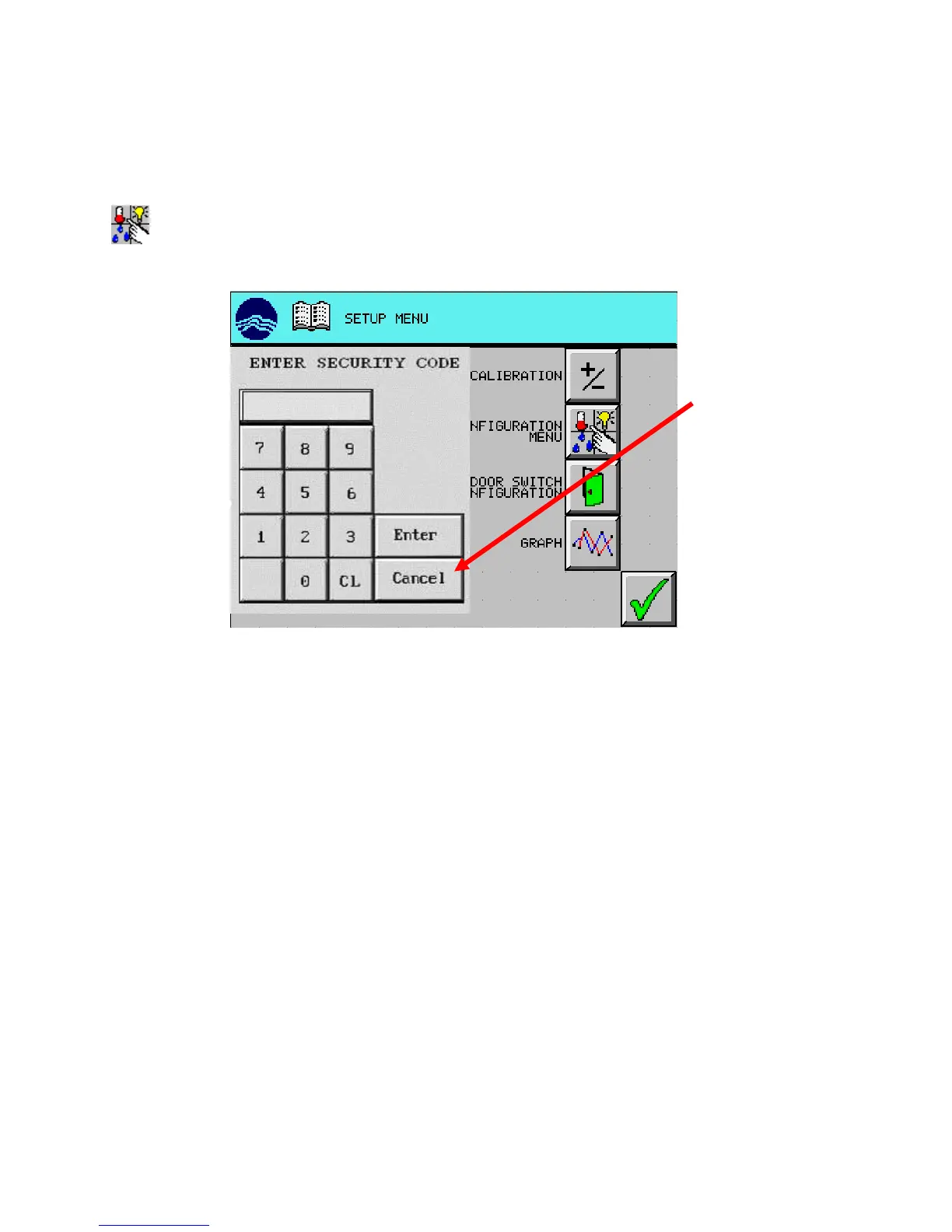
Press (CONFIGURATION MENU) button. The security window appears.
Press “Cancel” button will close the security window and abort the lockout.
to abort



 To Next Page