6540 Series Operations Manual Rev_I 1/12/2016 45
5. Repeat steps 2 thru 4 for (VIS CALIBRATION).
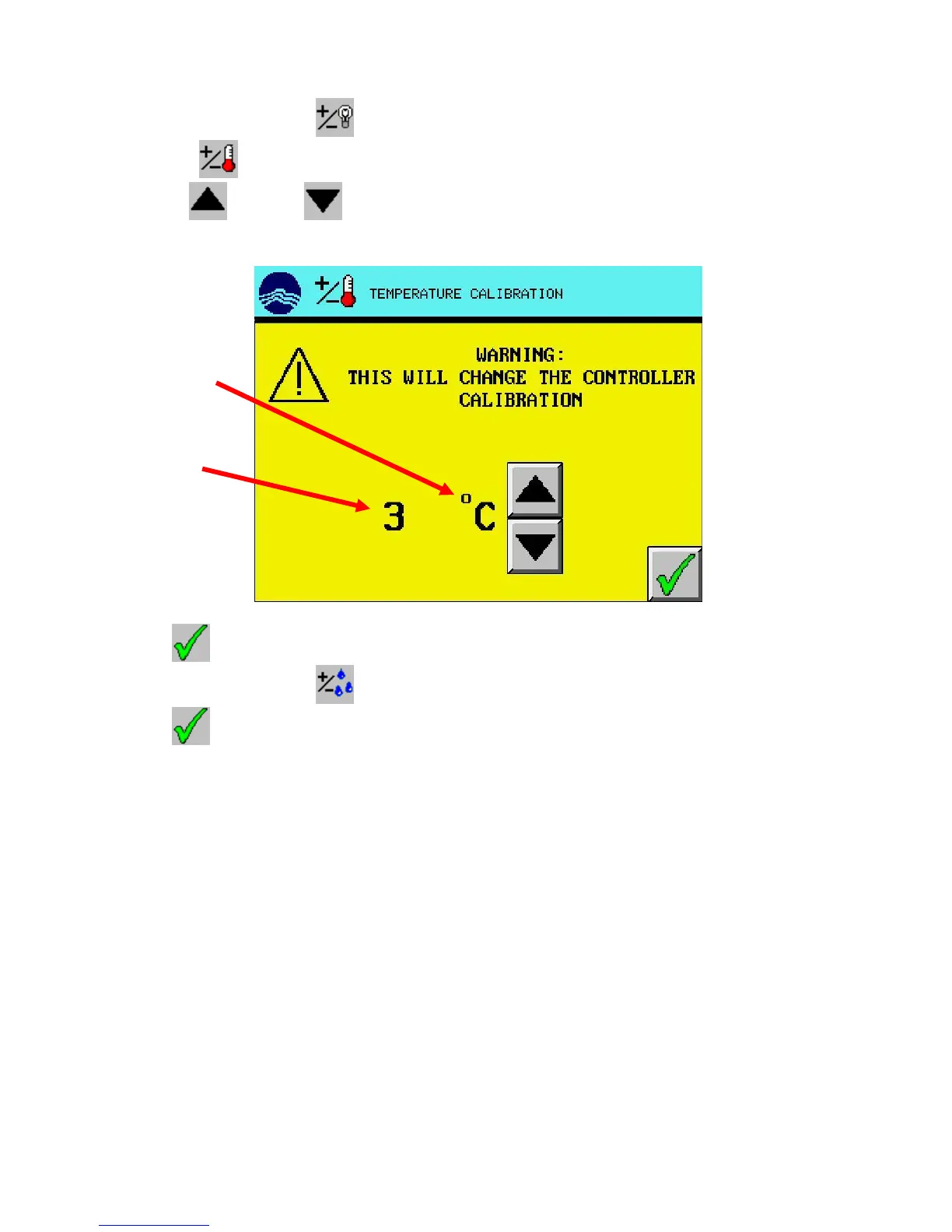
6. Press the (TEMPERATURE CALIBRATION).
7. Use the (UP) and (DOWN) arrow buttons to adjust the calibration offset so the
temperature corresponds with an independent calibrated light sensor.
8. Press (EXIT) button to return to the calibration screen.
9. Repeat steps 6 thru 8 for (HUMIDITY CALIBRATION) (optional).
10. Press (EXIT) button to return to the setup menu screen.



 To Next Page