6540 Series Operations Manual Rev_I 1/12/2016 23
Running a Test
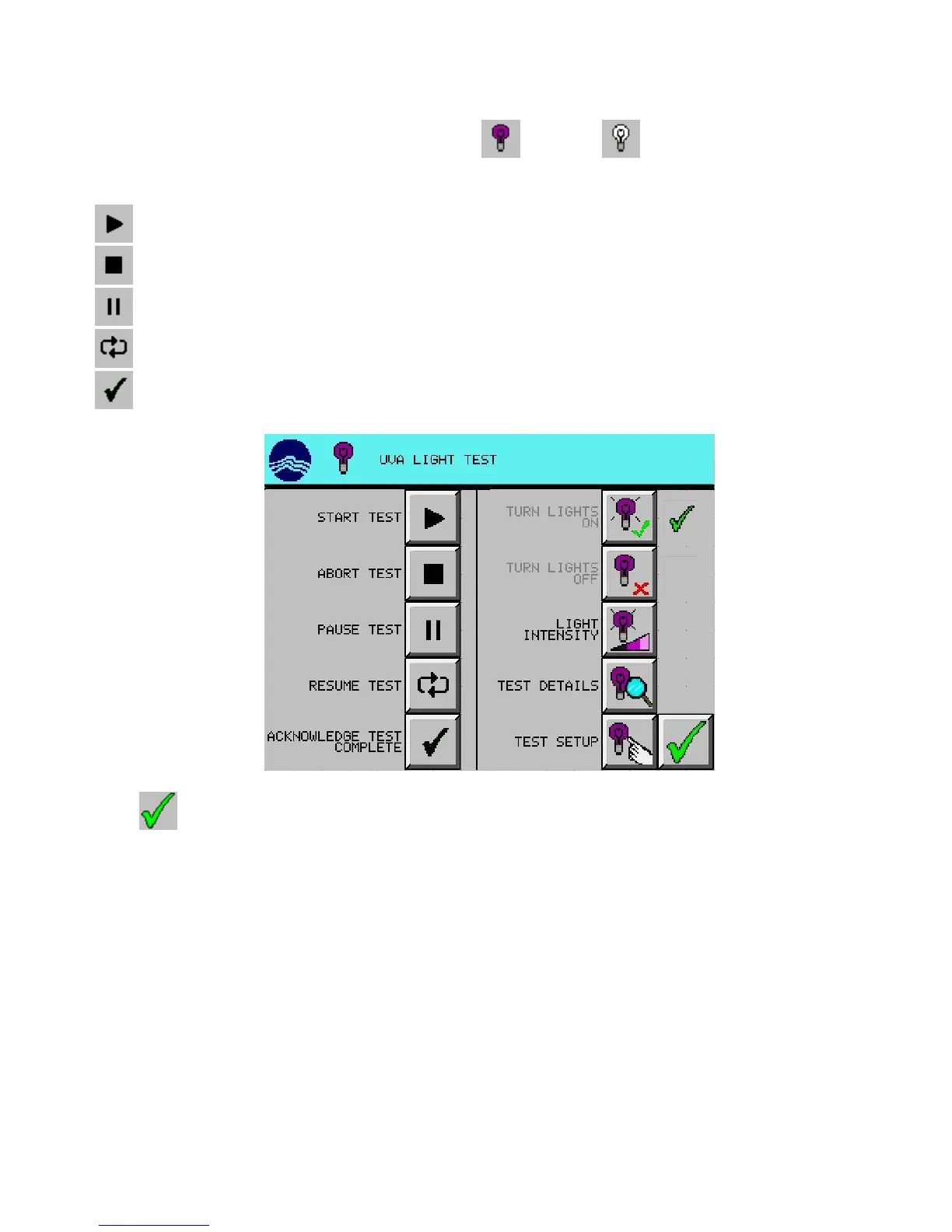
1. From the main screen, press desired light test setup (UVA) or (VIS) button. (UVA used in
example)
2. Press desired testing change:
(START) turns on corresponding lights and starts test
(ABORT) turns off corresponding lights, cancels test, and clears test details (after warning)
(PAUSE) turns off corresponding lights and maintains test progress
(RESUME) turns on corresponding lights and continues test
(ACKNOWLEDGE TEST COMPLETE) clears test details and returns to the READY mode
3. Press (EXIT) button to return to the main screen.



 To Next Page