21
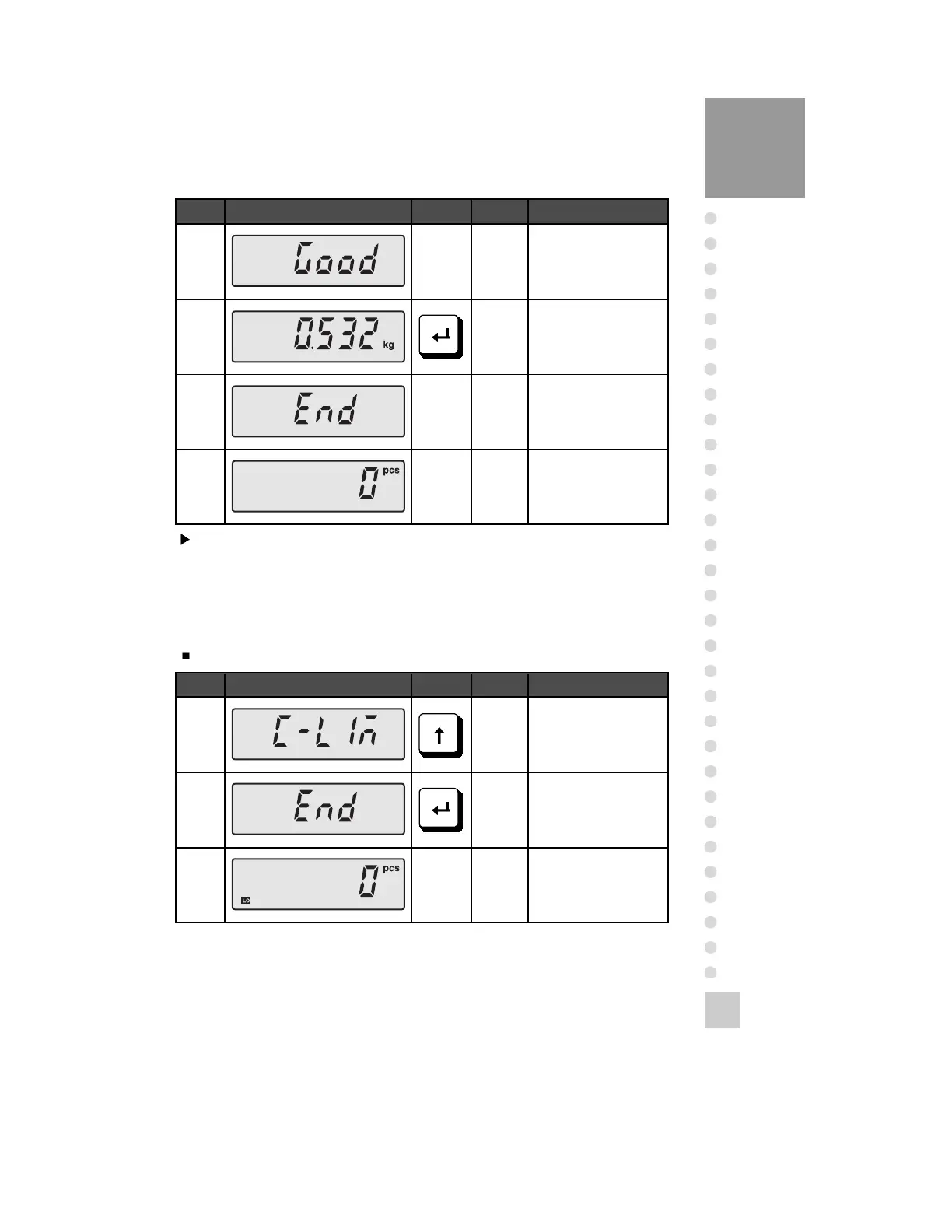
Display K e y Platform Description
Step 8
Step 9
Step
10
Set the unit
weight.
Display unit
weight.
Press once.
Empty
Display K e y Platform Description
Step 1
Step 2
Step 3
Press four times.
Press once.
It is operated
generally.
Note 1. In case of setting the unit weight by sample count, the min. unit weight shall
be more than min. division value.
Note 2. It can be input to 200pcs as 10pcs of input unit.
6. Count Comparing Mode Conversion
In case of no setting the High/Low quantity.



 To Next Page