23
GENERAL FUNCTION & DESCRIPTION
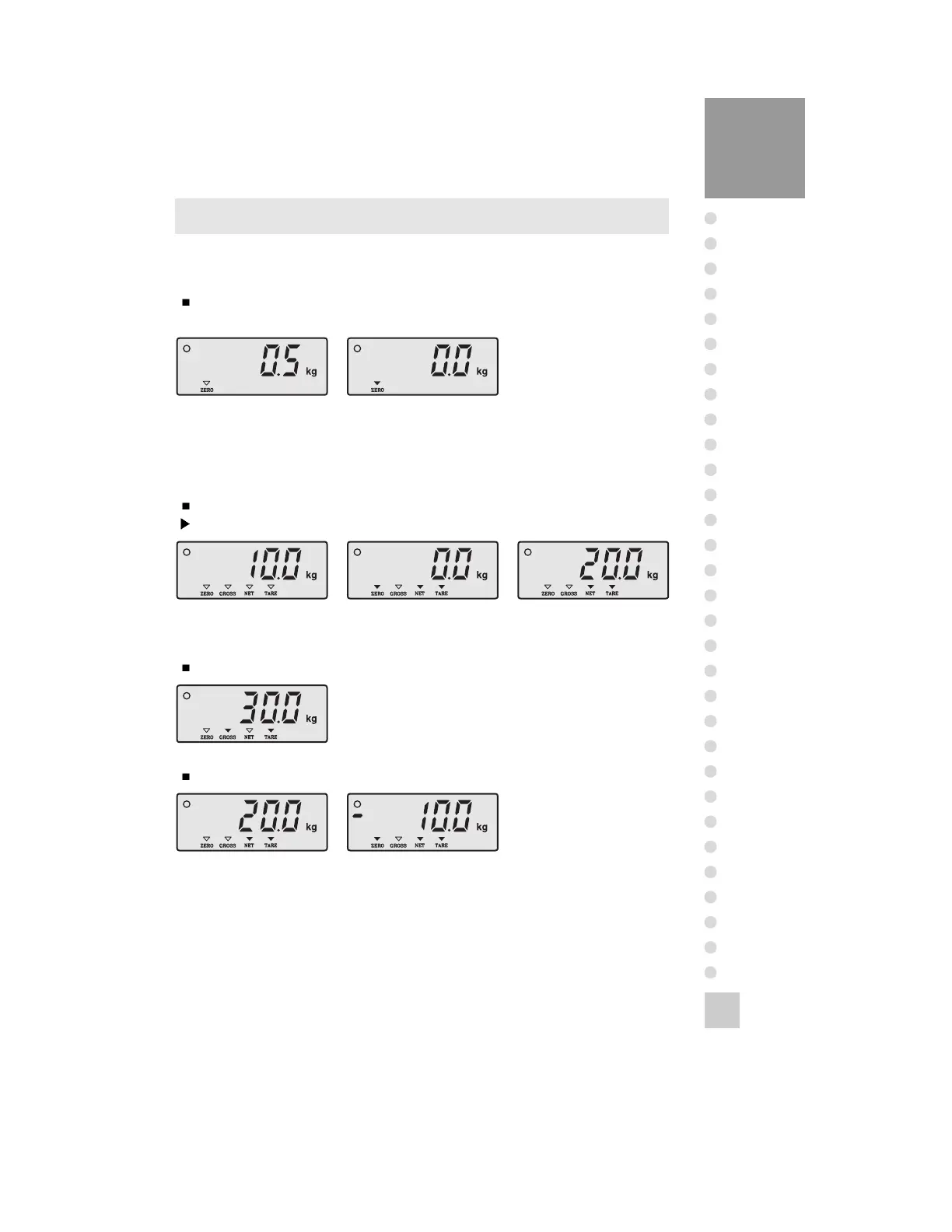
1. Zero Compensation Function(Use in changing zero point.)
The zero range: Within 2% of Maximum capacity.
(Only available in weighing, weight-limit mode)
2. Tare Function(Use in weighing with tare.)
Maximum TARE range: Maximum capacity
Note. The weight including TARE weight can’t exceed the maximum capacity.
In case to want to know the GROSS weight.
In case to want to know the NET weight.
Zero point changed. Press ZERO key.
Zero compensation.
Put the TARE on
platform.
Press ‘TARE’ key.
(The TARE weight is
Press ‘NET / GROSS’ key.
(Display object weight)
Remove the TARE and
object
from platform.
And it will be displayed
Press ‘NET / GROSS’ key.
(Display: Object + TARE
Put the object on
platform.



 To Next Page