37
CALIBRATION MODE
1. How to Enter
Turn on while pressing CAL switch on the back side.
Press TARE key and UNIT/HOLD key, and it will be moved to Calibration
Mode.
2. Keys Usage
key: Increase the first place value by 1.
key: Move to the left by 1 place.
key: Used to be moved to the next menu.
ZERO/MODE key: Used to set the current value to ‘0’.
LIGHT/PRINT key: Used to escape at CAL mode.
3. CAL Menu(CAL 1 CAL 5)
CAL 1 : Maximum Capacity
CAL 2 : Minimum Division
CAL 3 : Setting Weight
CAL 4 : Zero Calibration
CAL 5 : Span Calibration
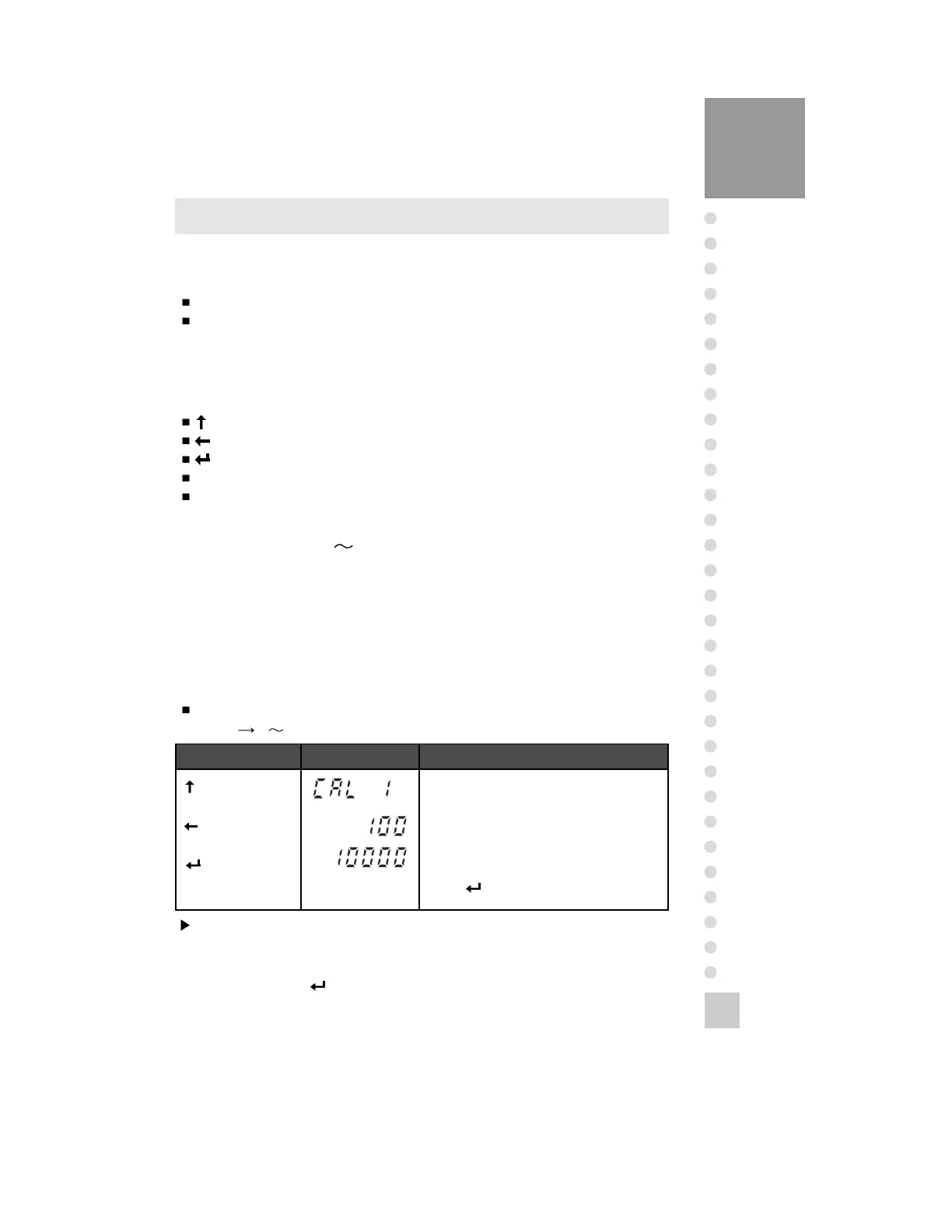
CAL 1
Function: Maximum Capacity Set
Range 1 99,999
Key Display Description
Key :
Control division
Key :
Control digit
Key :
Store and move to
the next menu
CAL 1 condition.
Existing maximum capacity
Setting maximum capacity
Press key
ex)
Note 1. The maximum capacity means the maximum weight that scale can measure.
Note 2. Do not input the resolution, there is no need to input the resolution which is
automatically calculated.
Note 3. If you press key, it will be moved to CAL 2.



 To Next Page