34
TEST MODE
1. How to Enter
Turn on while pressing CAL switch on the back side.
Press ZERO/MODE key, and it will be moved to Test Mode.
2. Keys Usage
key: Used to move to the next menu.
3. TEST Menu
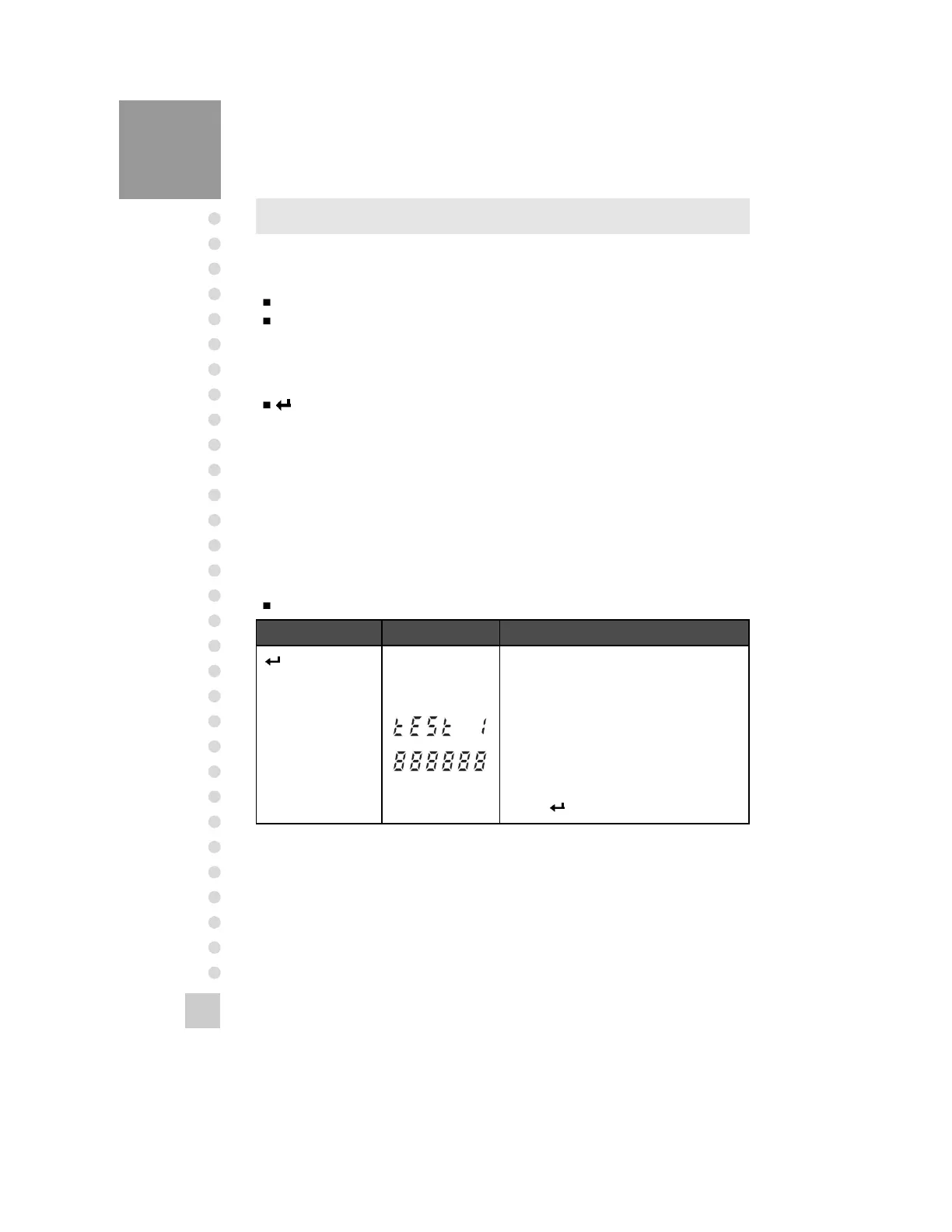
TEST 1 : LCD Screen Test
TEST 2 : A/D Converter Test
TEST 3 : Key Test
TEST 4 : Serial Communication Test
TEST 1
Function: LCD Screen Test
Key Display Description
Key :
Move to the next
menu
The mode and key are displayed.
Press ZERO key, and then it will be moved
to Test mode.
TEST 1 condition.
All lamps on LCD SCREEN is turned on for
testing.
Press
ZERO=tESt
Tare = Cal



 To Next Page