35
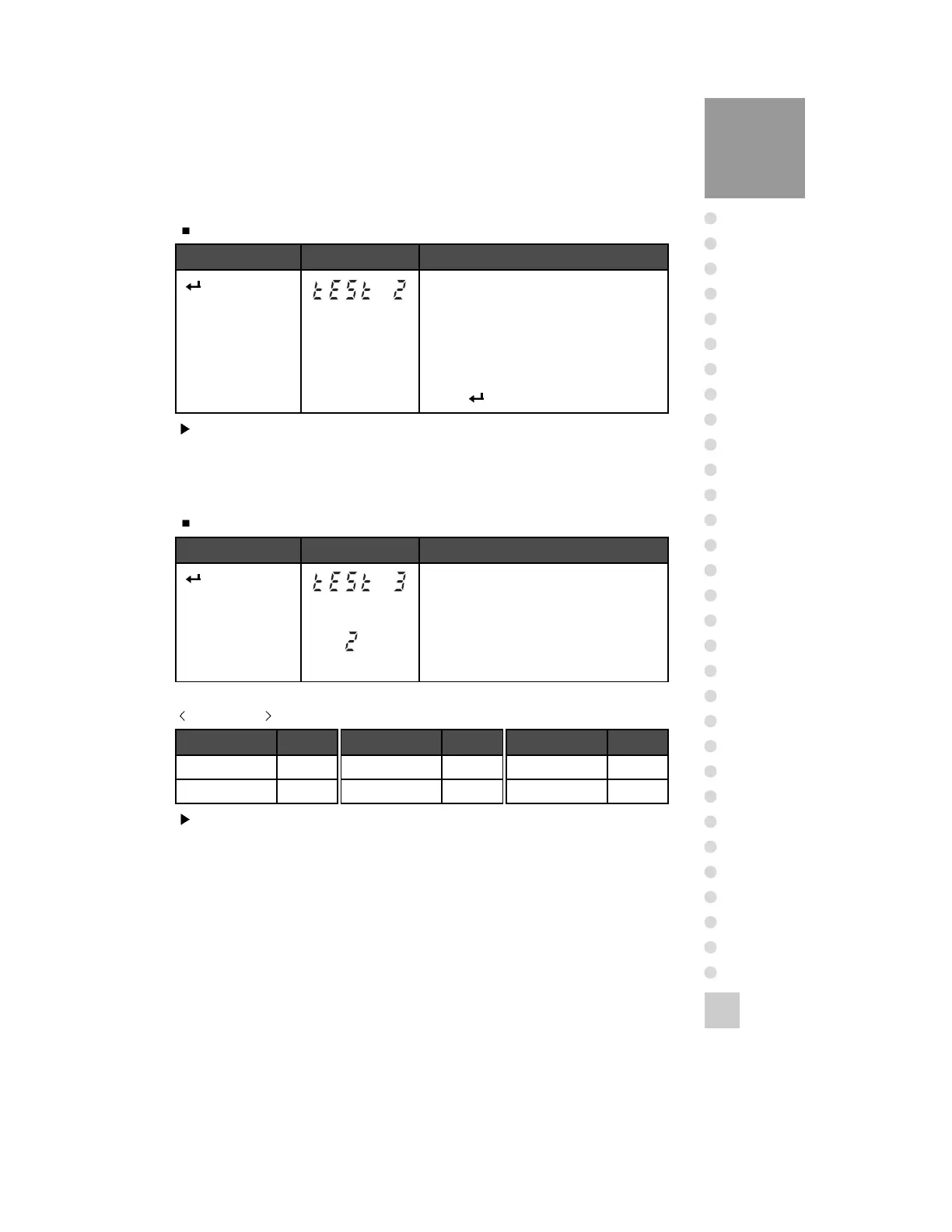
TEST 2
Function: A/D Converter Test(Load Cell Test)
Key Display Description
Key :
Move to the next
menu
ZERO Key :
Used to set the
current value to ‘0’.
TEST 2 condition.
This value means converting value under
actual condition.
Press
Digital value of
current weight.
Key Display Description
Key :
Move to the next
menu
Others Key :
Test execution.
TEST 3 condition.
Press the key to be tested and the No of key
mode should be identify with code of key as
the follows.
Note. Check whether digital value is changing.
If the digital value is fixed or zero is displayed, please check the connection of
load cell.
TEST 3
Function: Key Test
Note. If you press UNIT/HOLD key, after checking key number, it will be
automatically moved to TEST 4.
KEY CODE
LIGHT/PRINT 6
ZERO 5
KEY CODE
TARE 4
NET/GROSS 3
KEY CODE
UNIT/HOLD 2
CAL 1
KEY CODE



 To Next Page