47
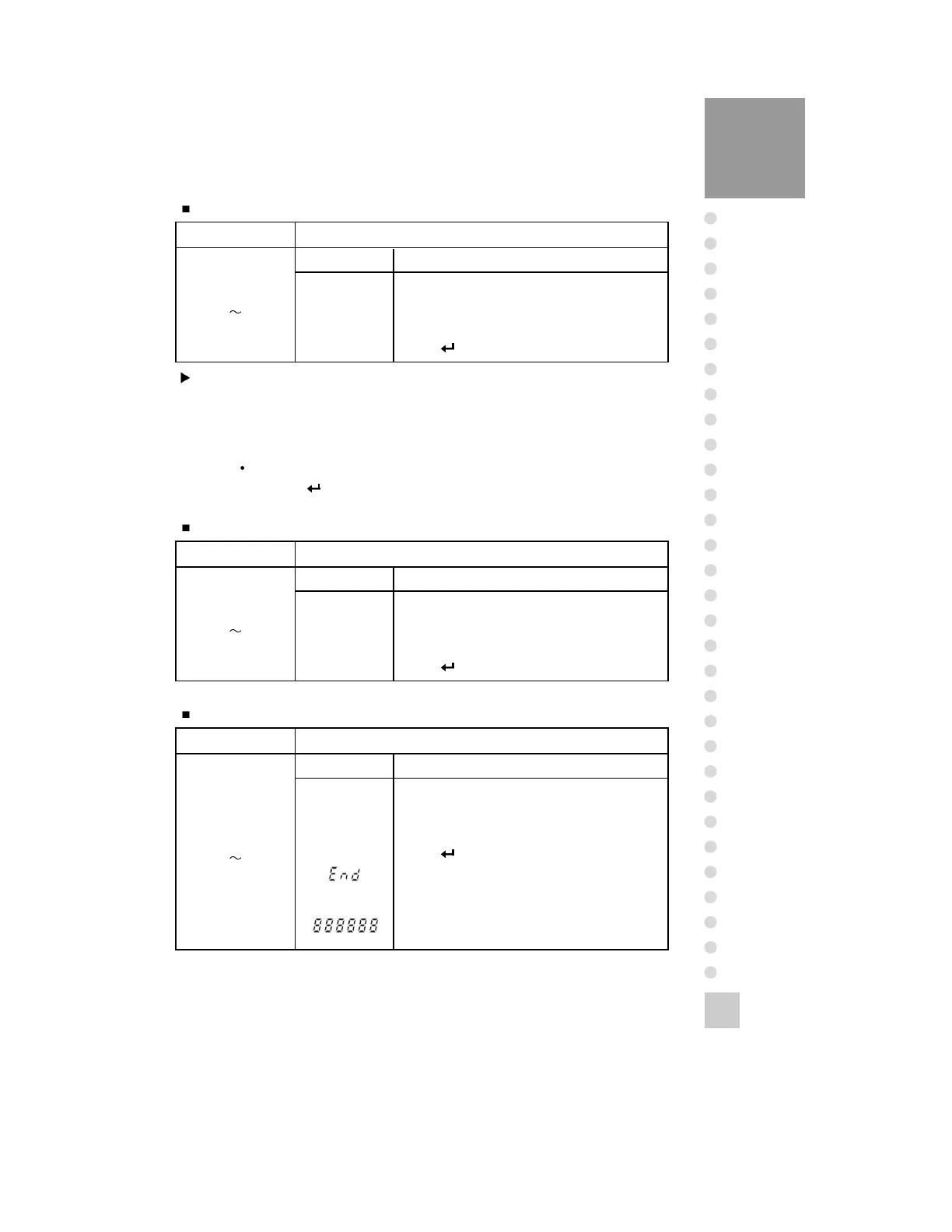
FUNCTION Multi-interval
DISPLAY DESCRIPTION
DUAL DUAL condition
S1 0 Not use multi-interval function
S1 1 Use multi - interval function
Press key.
SET
(0
1)
DUAL
FUNCTION HOLD/UNIT conversion
DISPLAY DESCRIPTION
HOLD HOLD condition
S2 0 Use UNIT / HOLD to UNIT conversion key.
S2 1 Use UNIT / HOLD to HOLD key.
Press key.
SET
(0
1)
HOLD
FUNCTION Decimal Point Select
DISPLAY DESCRIPTION
COMMA COMMA condition
S3 0 Use decimal point to ‘ . ’
S3 1 Use decimal point to ‘ , ’
Press key.
Gravity compensation & the others set mode are
completed.
When this test is completed, it is automatically
moved to NORMAL MODE.
SET
(0
1)
COMMA
Note 1. In case of setting S1-0, standard division set in CAL mode is used.
maximum capacity.
Note 2. In case of setting S1-1, the following division is used in the following range.
0~1/2 of MAX. capacity: one lower division from the standard division
Over 1/2 of MAX. capacity: standard division set in CAL mode
Division: 0.001, 0.002, 0.005, 0.01, 0.02, 0.05, 0.1, 0.2, 0.5, 1, 2, 5, 10, 20, 50
Note 3. If you press key, it will be moved to HOLD function.



 To Next Page