`
2
CAL 5: Span Calibration with a Balance Weight
Function: Span Calibration
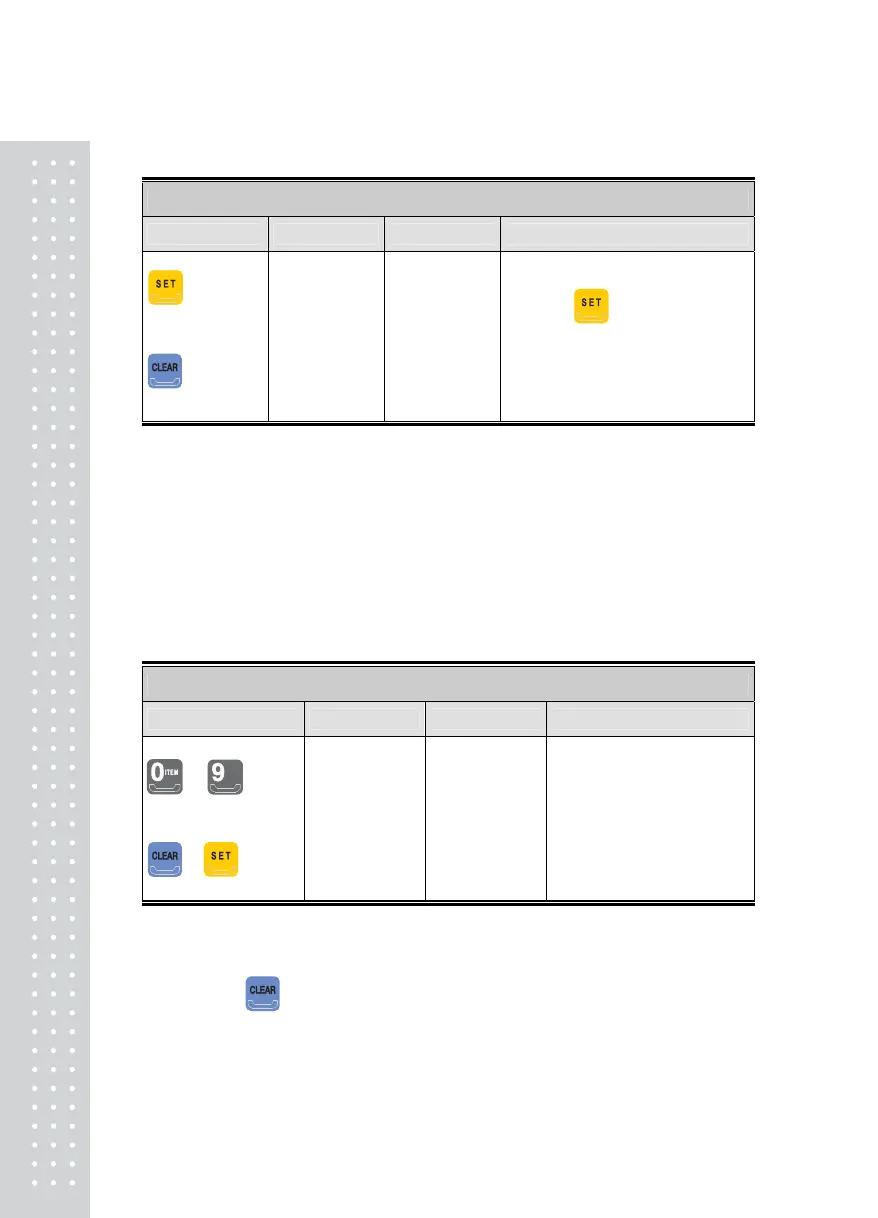
Key used Display Sub-Display Description
: Span
Calibration
: Finish
UP
----
Good
CAL 5
Set SPAn
After placing the balance weight
used in CAL 3 step on the scale,
press the
key.
During Span Calibration…
Span Calibration complete.
Check if the weight value on the
display is the same as the calibrated
weight.
Note 1. If the Span Calibration is successful without error, a 'Good' message is displayed and
it automatically moves to the next menu.
Note 2. If the Span is too high or low, Err 33 or Err 34 is displayed.
Please calibrate again after decreasing resolution.
Note 3. Depending on the multi-calibration range set-up, repeat the steps of
CAL 4 and CAL 5.
CAL 6: Weight Constant Calibration Menu
(Without a Balance Weight)
Function: Weight Constant Calibration
Key used Display Sub-Display Description
~
: Enter PIN
-
: Escape CAL mode
PASS
CAL 5
Con 0.98765
Enter Your PIN
Note 1. This menu is displayed automatically.
Note 2. This menu is for Setting Weight when there isn't a balance weight. Therefore, general
users do not need to use this menu.
Note 3. Pressing
key moves you to the Weighing Mode after a “CAL End” message. If you
need to check the constant value for Span, then enter your PIN.
Note 4. The number for CAL 6 may be subjected to change depending on the value of multi-
calibration range set-up.



 To Next Page