`
31
Test Mode
(1) How to enter the Test Mode
Turning on the power while pressing on the front of the Indicator starts it in the
Test Mode. Press the number dorresponding to the desired Test Menu.
(2) Test Menu (TEST 1 ~ TEST 8)
Test 1 : Key Test
Test 2 : Display Test
Test 3 : Load Cell and A/D Conversion Test
Test 4 : Serial Communication Test
Test 5: Printer Test
Test 6: External Relay Input/Output Test
Test 7 : BCD Output Test
Test 8 : ANALOG Output Test
TEST 1
Function: Key Test
Key Used Display Description
: Upper Menu
Other keys: Test
1 1
Pressing the keys to be tested
displays the corresponding number and
code to the key on the display.
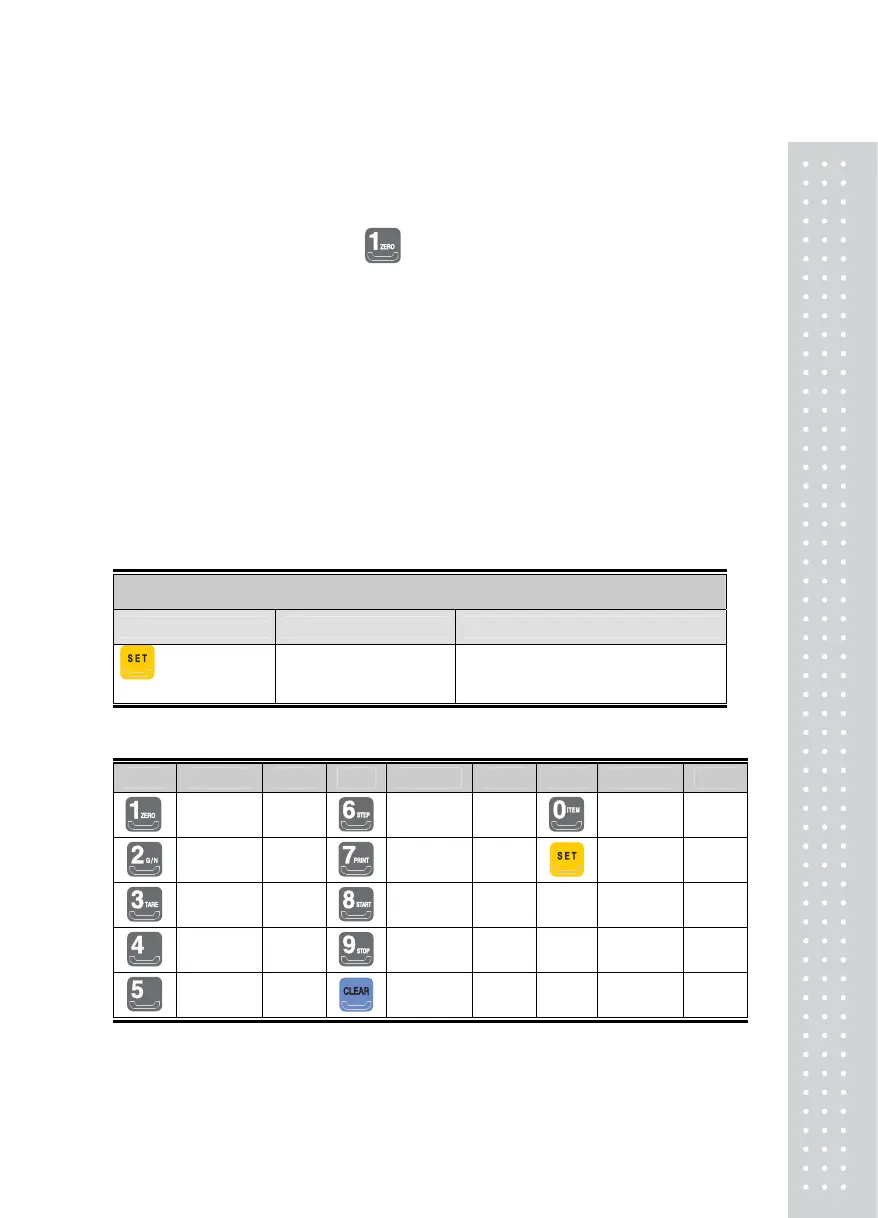
<Key List>
Key Number Code Key Number Code Key Number Code
1 1
6 6 0 0
2 2
7 7 70 70
3 3
8 8
4 4
9 9
5 5
11 11



 To Next Page