`
32
TEST 2
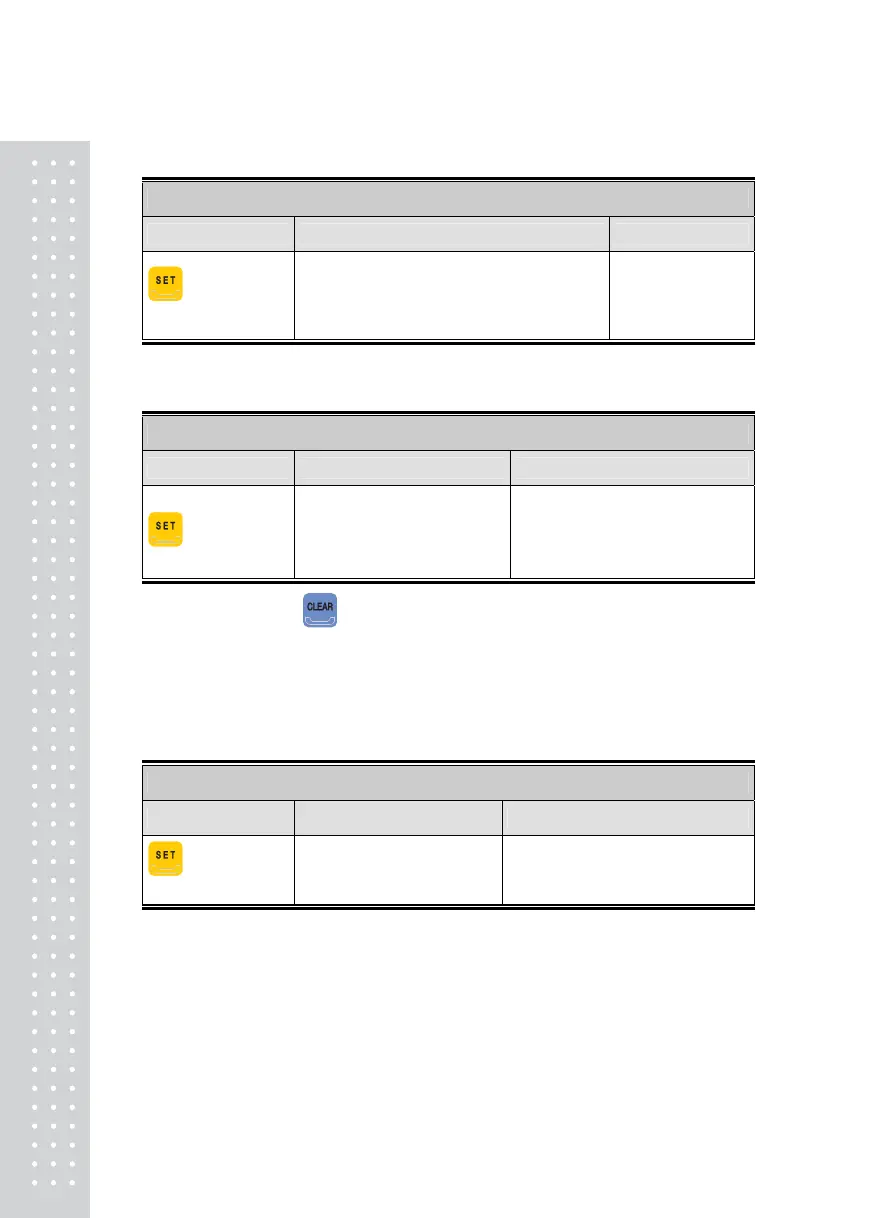
Function: Display Test
Key Used Display Description
: Upper Menu
Other keys: Test
8.8.8.8.8.8. (3 sec)
1.2.3.4.5.6. (2 sec.)
The status indicating light flickers in order
Test 2 is performed.
Note 1. Press '9' to run the Display Test. Test according to types of FND Dot.
TEST 3
Function: Load Cell Test and A/D Conversion Test
Key Used Display Description
: Upper Menu
XXXXXX
X.XXXX
Indicates internal value
corresponding to the current weight
value.
Indicates the current output value of
the load cell in mV/V unit.
Note 1. When Pressing , the internal value and the current weight and the output value
of the load cell(mV/V) are displayed in alternation.
Note 2. Place and remove a weight on the scale, and check if the number on the display
changes accordingly. If the number remains the same or is indicated as “0”, check to
see if the load cell is connected properly.
TEST 4
Function: Serial Communication Test
Key Used Display Description
: Upper Menu
Other keys: Test
t - - r
05 - -13
Waiting to transmit or receive
Transmit: 5, Receive: 13
Note 1. Run this test after connecting the serial port of the computer to the RS-232 port on the
back of the Indicator, and then turning on the communication program
(eg. Hyper Terminal) on the computer.
Note 2. Transmit '1' from the keyboard of the computer, and check if '1' is correctly displayed
on the Indicator's display. Press '1' on the Indicator's keyboard to check if the computer
receives the information properly.
Note 3. Run this test after designating it as F23-4 (Baud Rate 9,600bps) in the Set Mode.



 To Next Page