`
33
TEST 5
Function: Printer Test
Key Used Display Description
: Upper Menu
Other keys: Test
Print
Normal printer function
Check if the printer is connected
properly.
Note 1. Interface: RS-232C , Protocol : 9600bps, N, 8, 1 , Column : 30
Note 2. When the printer is properly connected and specified, the print-out is as follows.
Come And Success
CAS Corporation
http://www.cas.co.kr
TEL 82-2-2225-3500
FAX 82-2-475-4669
TEST OK
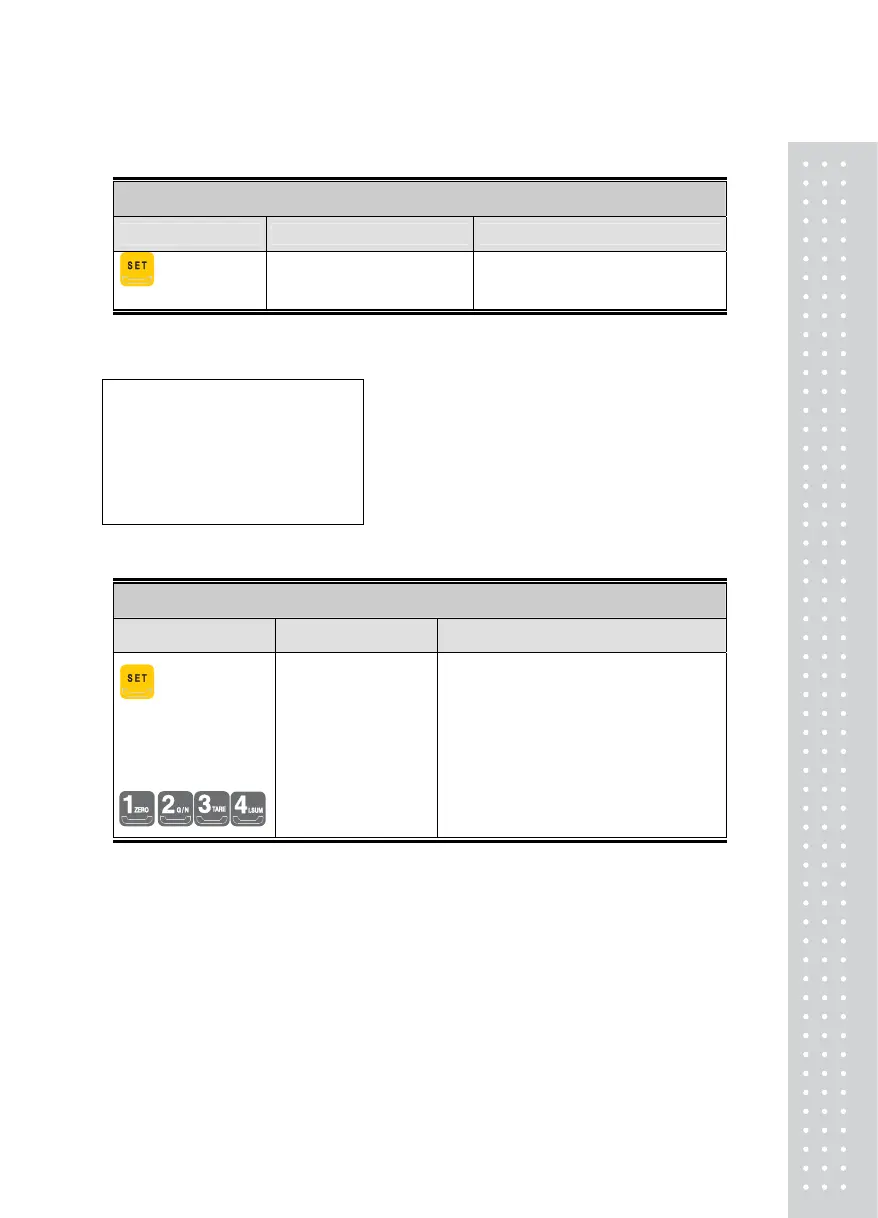
TEST 6
Function: External Input / Output Test
Key Used Display Description
: Upper Menu
External Input: External
Keys
External Output
In _ ot
In3ot4
IN1: Enter External Key #1 to input
number 1.
OUT2: Indicates the status of the External
Output. That is, Output 2 is ON.



 To Next Page