Menu-4510
Function Check DLC Information
Display Part Meaning
Set Range
(1 ~ 10)
Set Value : XX
Initial Value : 1
Choose the number that you want to check
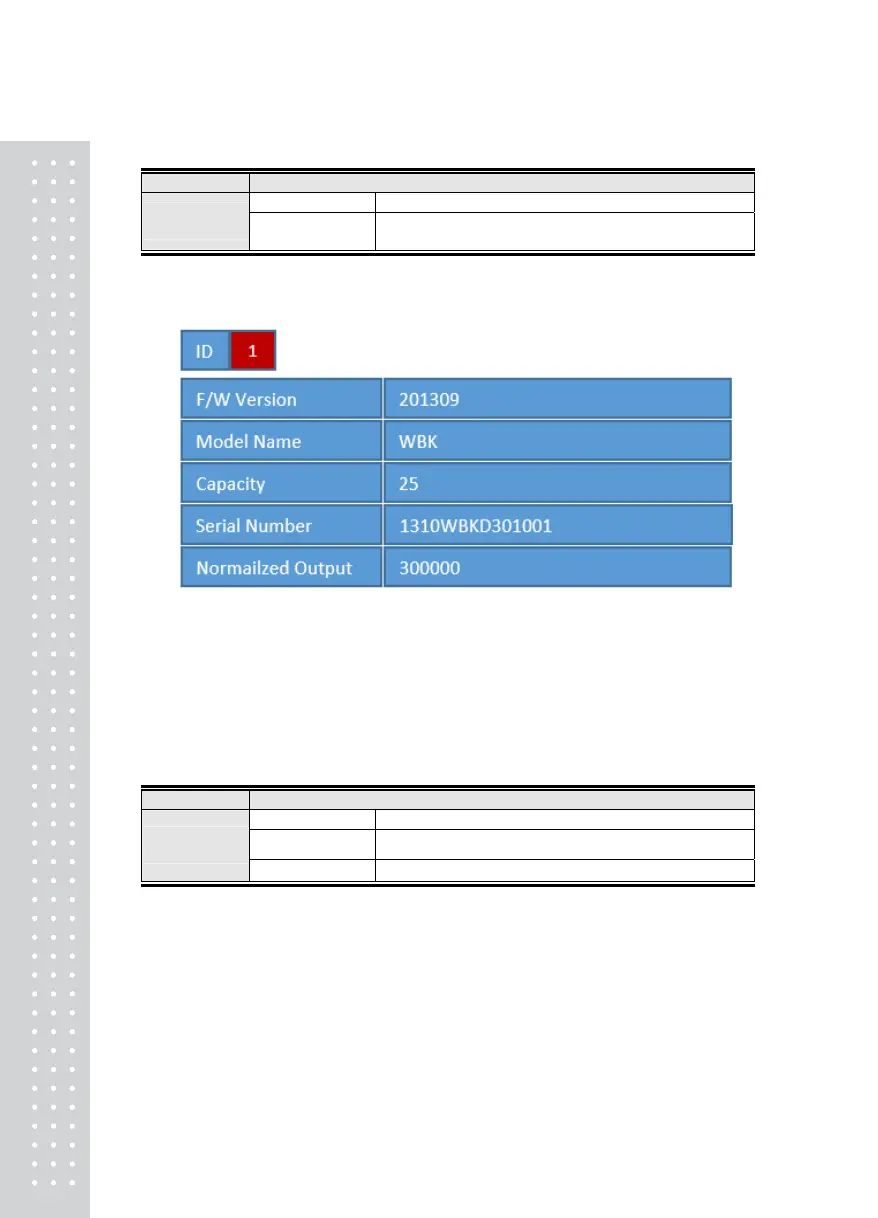
This function can check DLC’s detail information as below
■ F/W Version = Current ROM version
■ Model Name = Name of DLC
■ Capacity = Full capacity of DLC
■ Serial Number = Serial number of DLC
■ Normailzed Output = output count of DLC
Menu-4520
Function DLC Information Read & Save
Display Part Meaning
ᆷ 1_ Save Data
Read & Store information of DLC
Set Range
(1 ~ 2)
ᆷ 2_ Cancel
Does not store information of DLC
Note 1. Use this function after setting ID to all DLC. You can check loadcell information is
change or not
2



 To Next Page