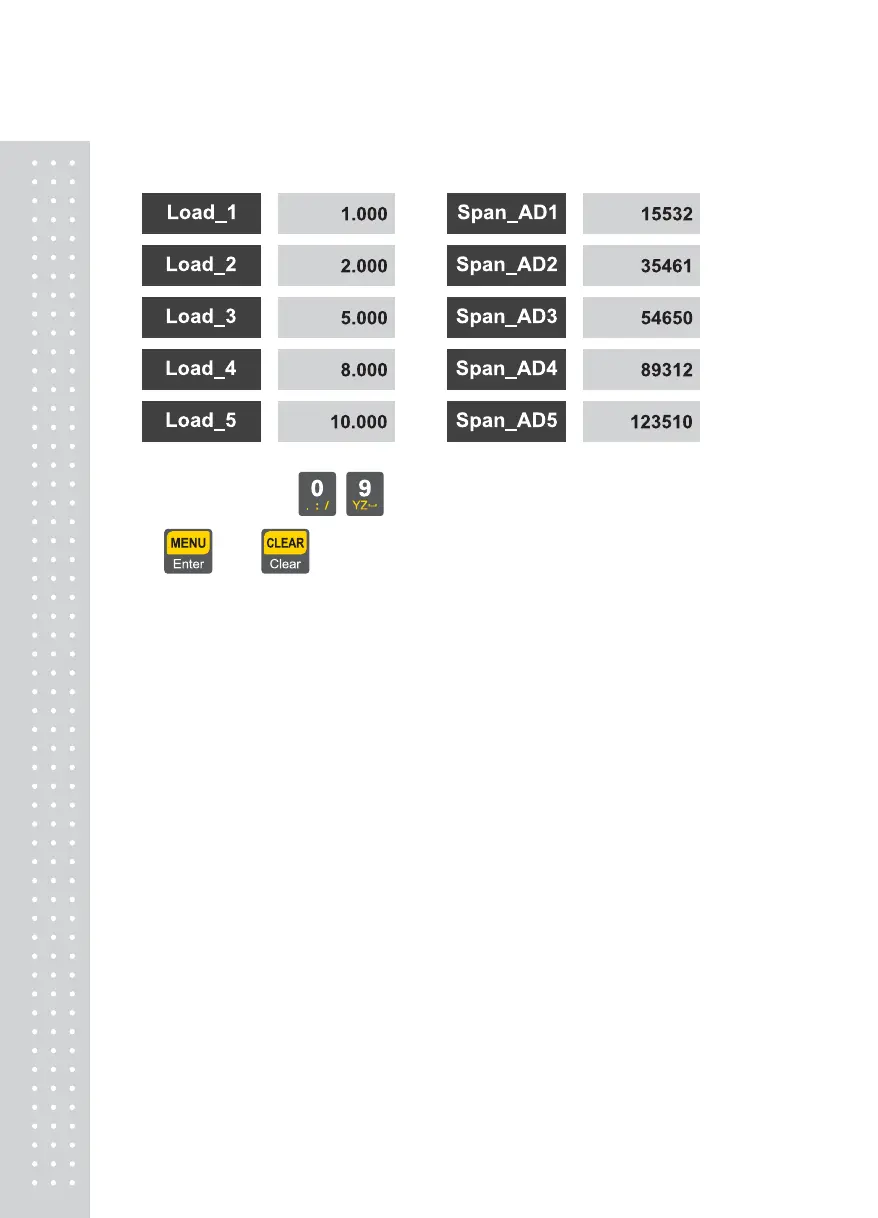
CAL 2-2(Enter Weight and Span Settings)
Using numeric keys ~ , set the counterweight values.
= Set, =Cancel
Set the span after affirming stability of AD values.
Note 1. Set the weight of the counterweight to be within the range of 10% ~ 100% of the maximum
weight While initially being given as 100% of the maximum weight, enter again the desired
weight value if the weight of the counterweight is different from this.
(Accuracy upon Calibration drops below 10%)
Note 2. Repeat to execute inputting the counterweight value and setting the span
as many times as multi setting steps.
In this case, set a larger value than the previous one for the weight value.
30



 To Next Page