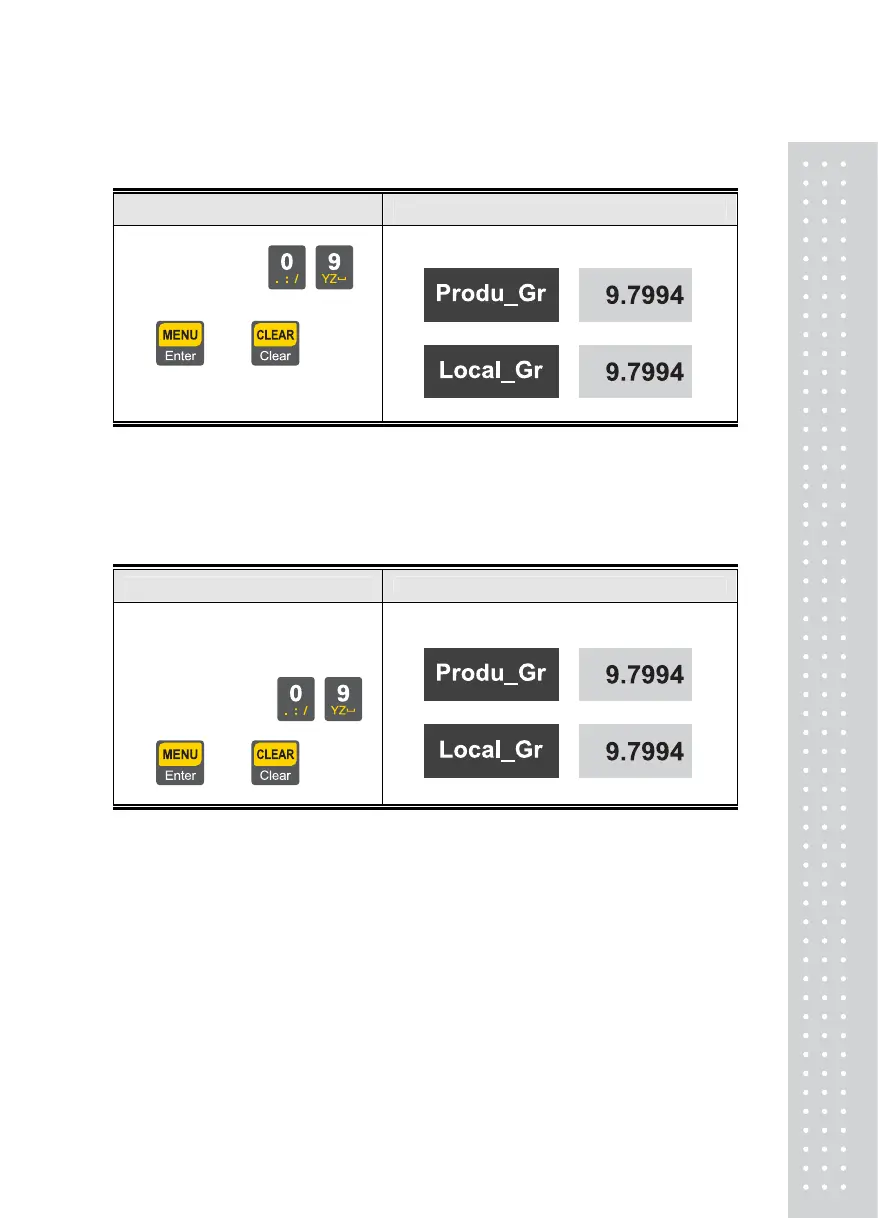
CAL 3(Gravity Calibration)
Setting Method Display Part
1. Using numeric keys
~
Enter an initial gravity value.
= Set, =Cancel
2. Enter a local gravity value.
Note 1: Use when gravity values are different between the production area and the sales area
CAL 4(Dual Range Setting)
Setting Method Display Part
1. Set the use status for dual function
0= Not use, 1 = Use
2. Using numeric keys
~
Enter dual values.
= Set, =Cancel
Note 1: Upon dual setting, the graduation is changed to minimum division * 2
beyond the dual section.
31



 To Next Page