56
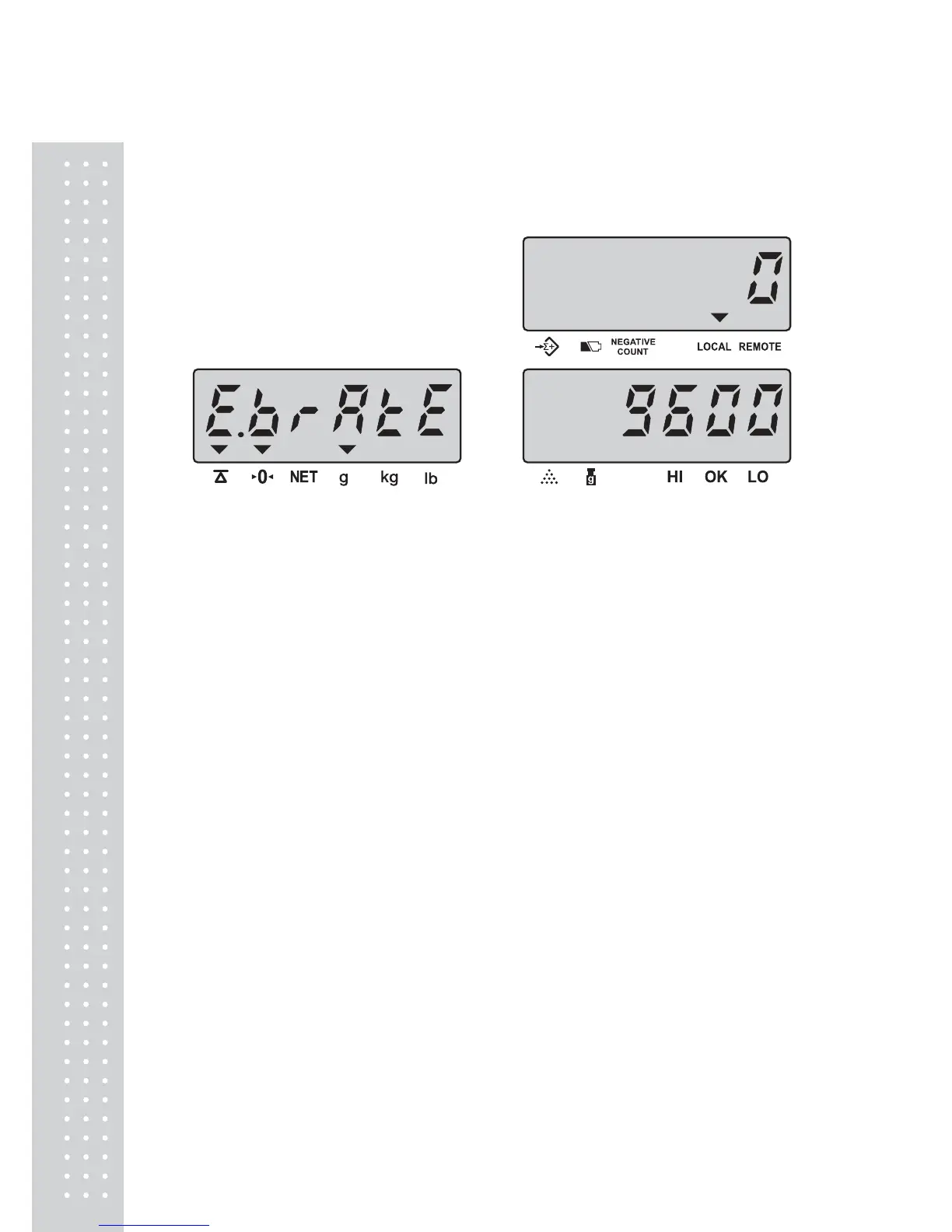
M. Baud rate setting of extra display
Keep pressing ENTER key in USER PROGRAMMING FUNCTION
MODE and release until the following displays appear.
Press MOVE key to revolve the system-preset baud rate of extra display.
(2400, 4800, 9600)
(Default setting : 9600)
Press CLEAR key to determine and return to normal counting mode or press
ENTER key for determination and move to the next.



 To Next Page
 Loading...










