40
Clear high / low value preset
Follow the above preset procedures and key in “0” or press CLEAR key directly for
high and low limit value.
※ Backlight color indication in check-weight/count.
The backlight color is depent on the backlight type setting.
★ When the backlight type is set to be “Auto”, there are three colors for
check – weight / count.
Red color : The weight/count on the pan is higher than the high limit.
Green color : The weight/count on the pan is between the hi-lo check range.
Yellow color : The weight/count on the pan is lower then the low limit.
★ When the backlight type is set to be “Manual”
Press decimal point key “.” to set the backlight to be on , the color is always in
green.
J. Change Platform
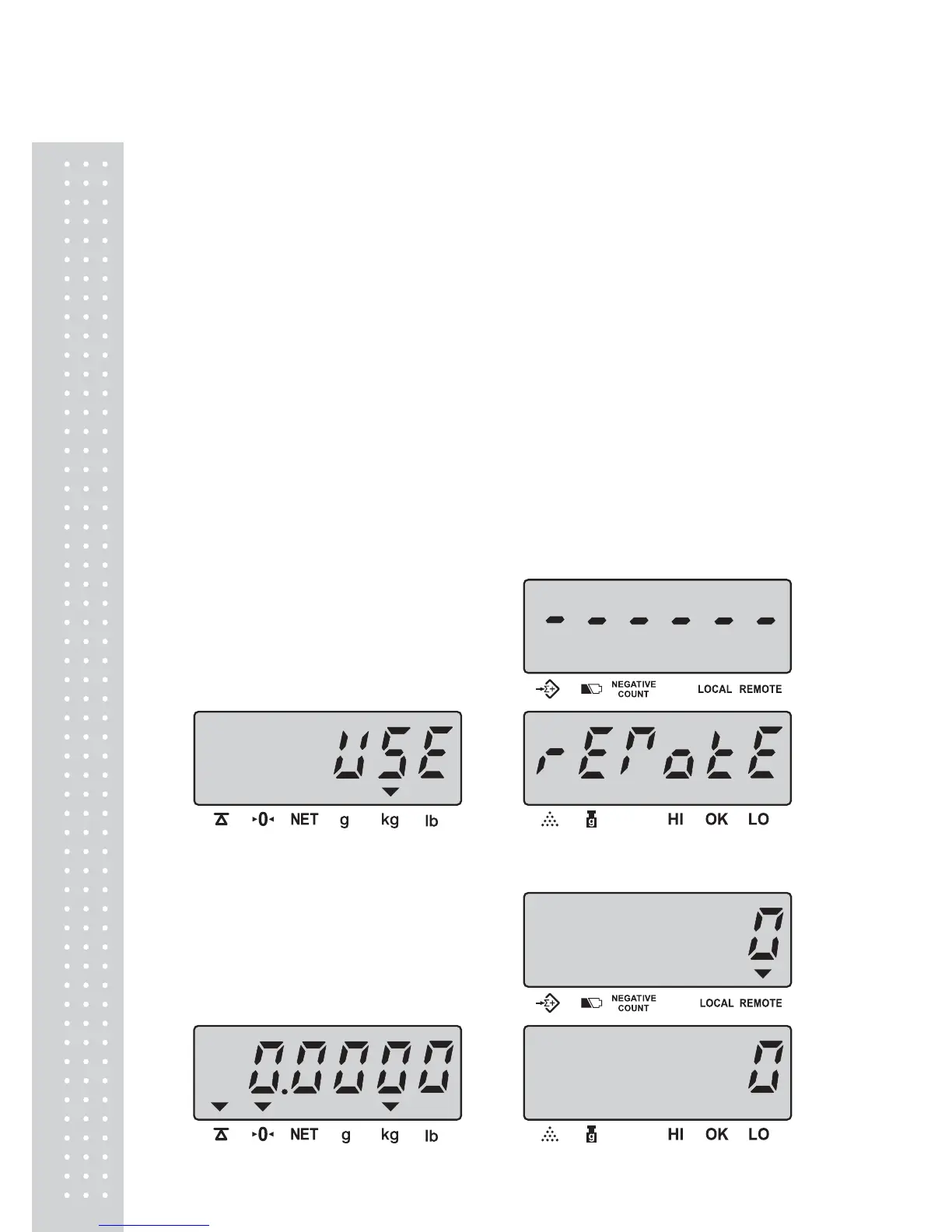
When the local platform is used, press REMOTE key to change to remote
platform. The display shows as below:
3seconds later, the scale returns to normal mode and REMOTE indicator will
be on. Remote platform is used.



 To Next Page
 Loading...










