— 14 —
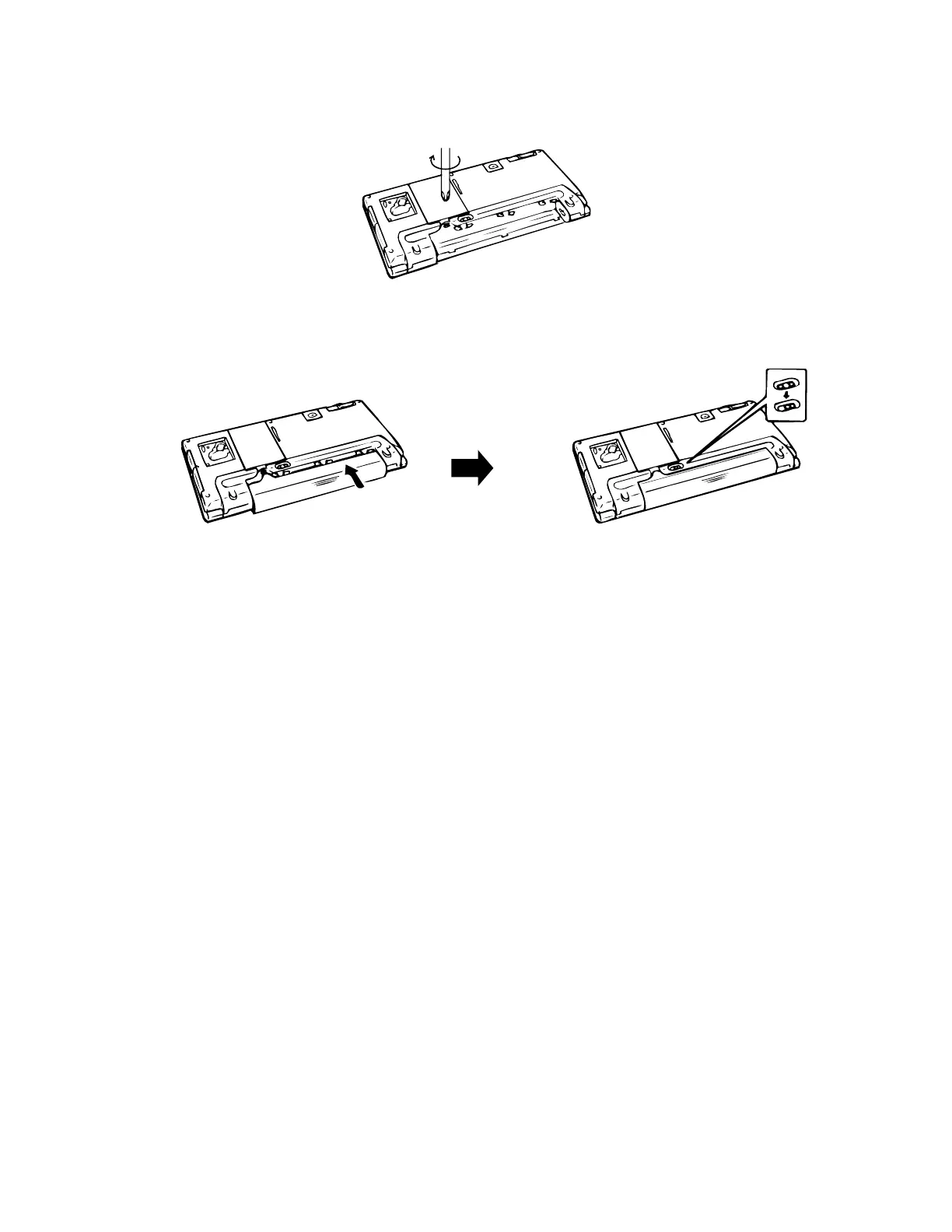
6. Replace the memory slot cover and secure it in place with its screw.
7. Insert the main battery holder into the A-10/A-11 until the holder is fully seated. And slide the release
(both buttons) of the main battery holder towards “NORMAL OPERATION” to lock the main battery
holder release.
8. Press ON button and confirm the Welcome wizard appears.
9. Press OFF button.
10. Load the backup battery and replace the backup battery compartment cover and secure it in place with
its screw.
«



 To Next Page