— 48 —
Current Consumption and Voltage Detectors Check
Prepare the following items;
1 : Power supply 1 unit
2 : Ammeter 1 unit
3 : Voltmeter 1 unit
4 : AC adapter 1 unit
5 : Charger 1 unit
Current Consumption Check
Step
Operation Display (Wiring) Note
Setting
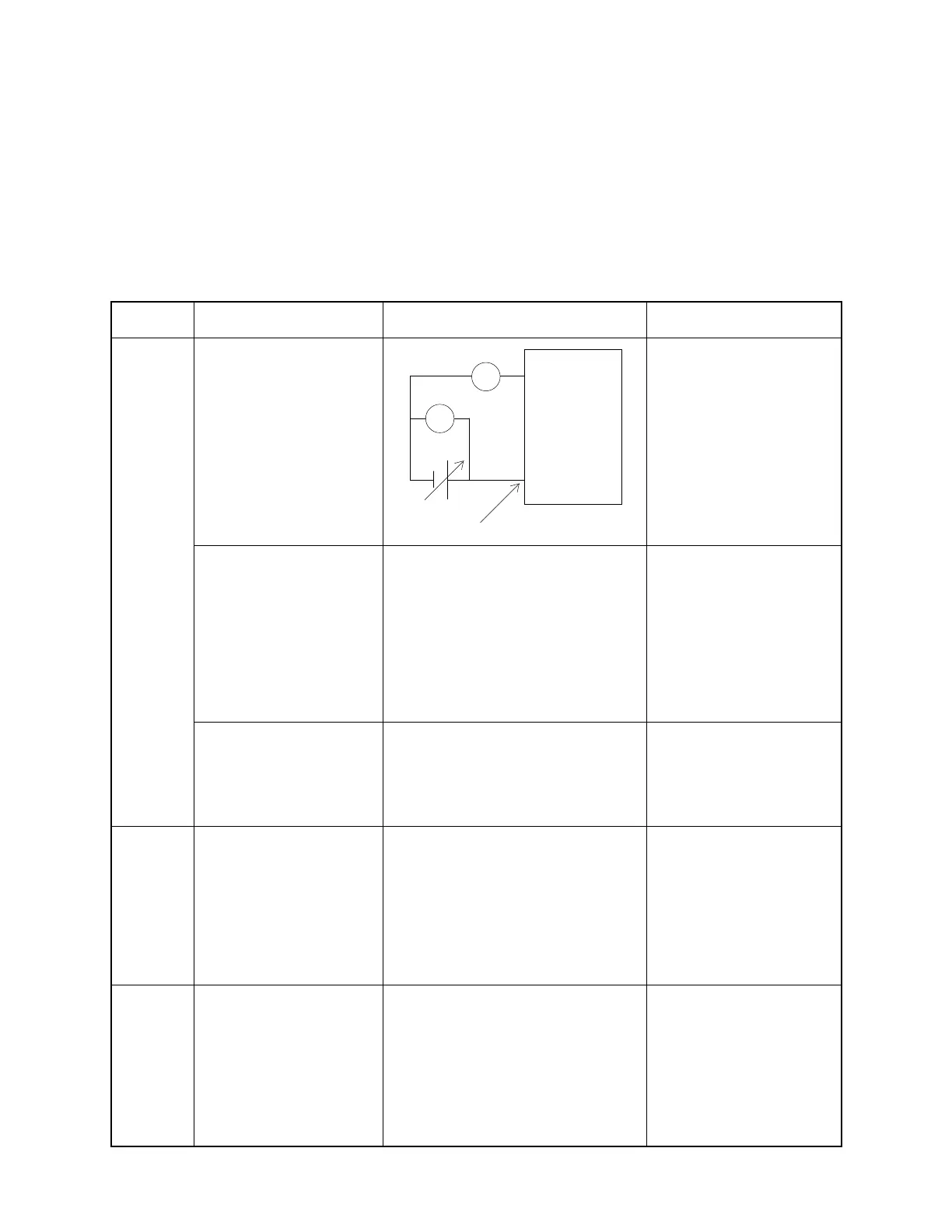
Connect the items as fig-
ure.
Do not load the backup
battery.
1: Maximum of contrast dial.
2: Set the range of Amme-
ter
to 1 A.
3:Vb = 2.6 ± 0.02 V
Boot the diagnostic pro-
gram
** Main Menu **
0 AUTO MODE
1 DISPLAY
2 TOUCH PANEL
3 MEMORY
4 SERIAL
5 POWER CONTROL
6 AUDIO
7 Others
To boot the diagnostic, re-
fer to page-40.
** Power Control **
1 40MHz
2 standby
3 sleep
5
Power Control menu is for
current consumption
check.
1
** Power Control **
1 40MHz
2 standby
3 sleep
Currently CPU clock is 40MHz
Main Bat-
tery at ON
Current consumption at
ON.
Measure the current.
Ib = 210 mA or under.
ENTER, 2
(Power off)
Current consumption at
OFF.
Measure the current.
Ib = 0.8 mA or under (2 Mbyte)
Ib = 1.0 mA or under (4 Mbyte)
Main Bat-
tery at
OFF
Alkaline battery terminal
Vb
A
V
-
+
A-10/A-11
Ib



 To Next Page